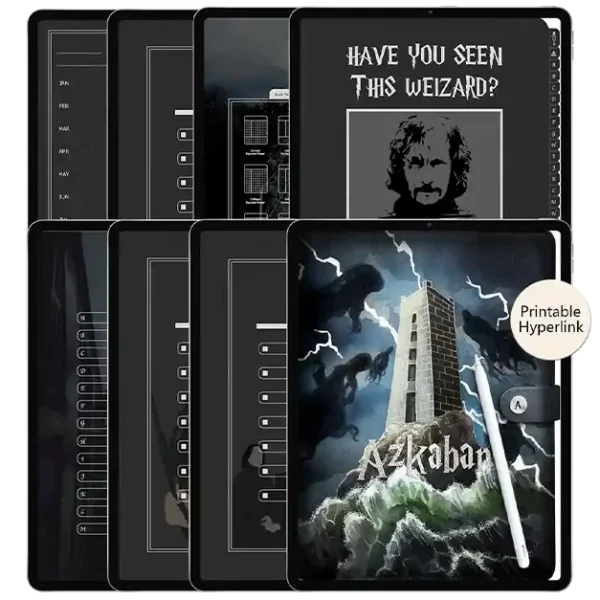
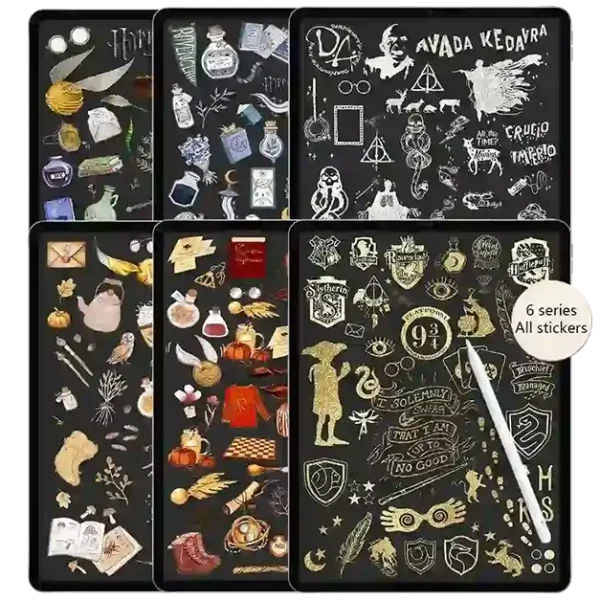
The Ultimate Simplified Planner Collection for Digital Productivity.
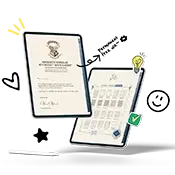
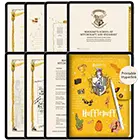
Welcome to your ultimate magic-inspired planning nook. Our signature simplified planner system is designed for Goodnotes and Notability users who crave a clutter-free, mystical lifestyle. Whether you’re a student or a creative professional, our aesthetic digital planner covers and minimalist layouts ensure you focus on what truly matters with an enchanting, zero-lag experience.
From a simplified daily planner to the simplified teacher planner, find the perfect layout to simplify planner routines. Our zero-lag digital files ensure a seamless planning experience on any device.
$9.99Original price was: $9.99.$5.99Current price is: $5.99.Add to cart
Loved by 10,000+ Organized Creators
“Switching to the simplified planner was a game-changer for my productivity. It is truly the most intuitive simplified digital planner I’ve ever used on my iPad. No lag, just pure focus!” — Alex R., Student
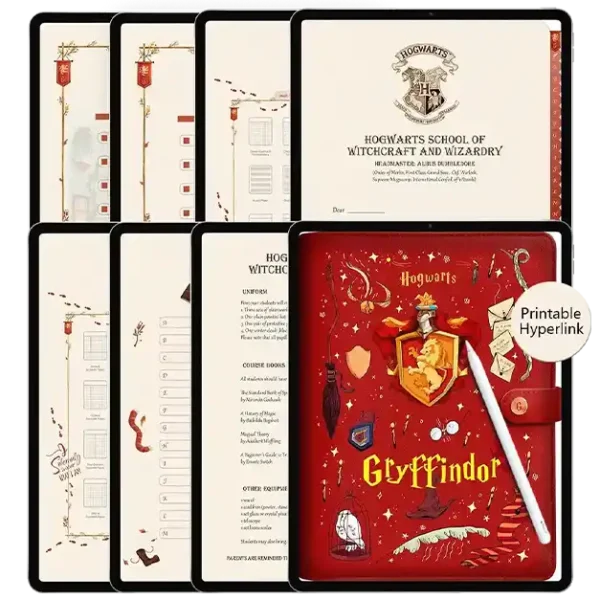
Gryffindor
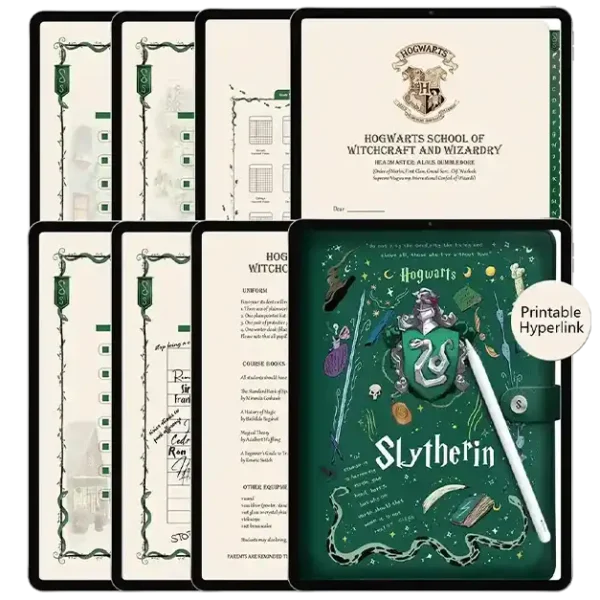
Slytherin
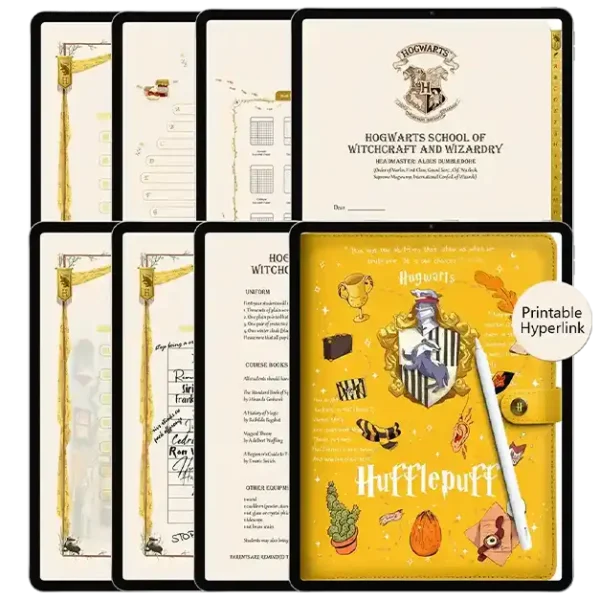
Hufflepuff
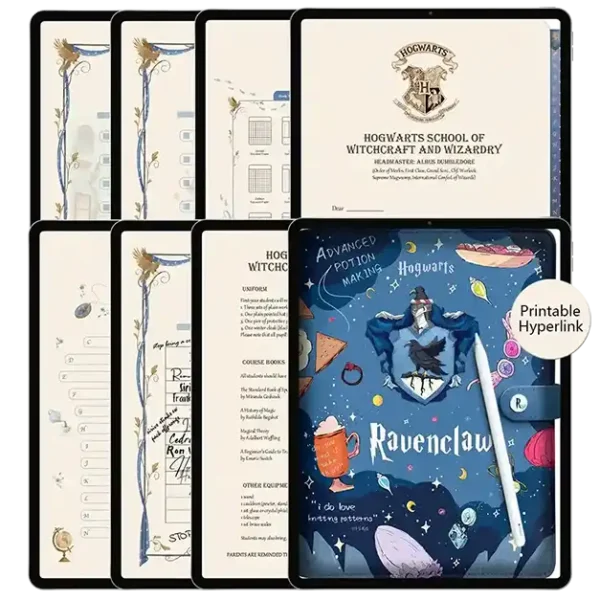
Ravenclaw
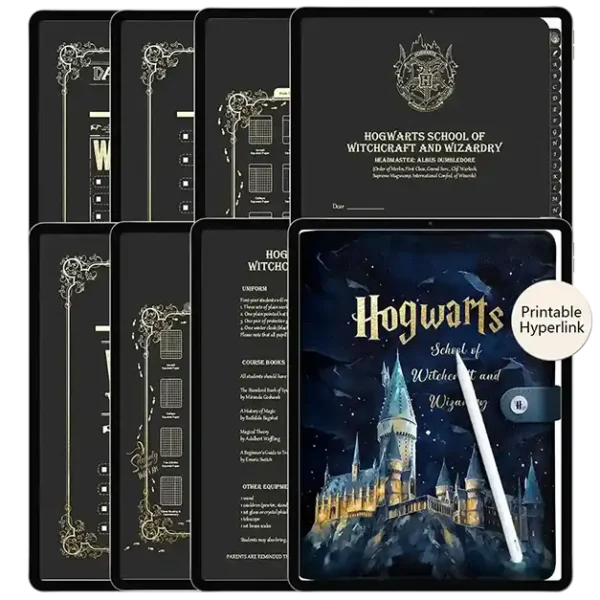
Hogwarts
Master Your Schedule with a Simplified Life Planner
We believe that organization should feel effortless, not overwhelming. Our simplified digital planner systems are engineered for those who crave a clutter-free environment. Whether you are mapping out big-picture goals in a simplified monthly planner or tracking hour-by-hour tasks in a simplified planner weekly view, our layouts promote deep work.
We don’t just design pages; we build a Seamless Ecosystem. Every simplified daily planner in our store is stress-tested to ensure Zero-Lag Performance, resolving the common frustration of slow-loading digital files. With our instant-download PDF technology, your Apple Pencil moves across the screen with the fluidity of real paper.ization tips.
Start Your Simplified Planner Journey
Get exclusive simplified daily planner tips and freebies delivered to your inbox. Simplify planner routines now.
Frequently Asked Questions
What is a digital planner?
It’s a planner for your iPad or tablet! A digital planner is just like a paper planner but instead of paper, it is a PDF file (which stands for portable document format). In other words? A digital planner is simply a more portable version of a paper planner. They are coded with these things called hyperlinks, which allow you to tap the tabs, buttons, text, etc., to jump between the pages of the planner. The planners can then be imported into apps that allow you to ‘mark up’ PDF files. You’re probably already familiar with Adobe Reader (like on your computer), but you can import PDFs into apps like GoodNotes, Notability, Noteshelf, and others.
How do I install fonts on iPad?
Check out this tutorial to learn how to install fonts on iPad.
What do I need to get started?
In addition to your iPad/tablet, it is very beneficial to have an Apple Pencil/stylus (possibly a keyboard, if you prefer to type) and basic knowledge of your preferred note-taking app (whether it is GoodNotes, Notability, etc).
How do I access the free downloads?
Sign up for our newsletter. You’ll receive a link to access all free downloads.
How do I use the hyperlinks in a digital planner?
For hyperlinks to work in GoodNotes, you’ll need the ‘Read-Only’ tool active. Find it in the top-right corner – it looks like a crossed-out pencil.
What iPad models work with digital planners, notebooks, and stickers?
These digital planners work great on any iPad running iPadOS 12 or newer.
Do digital planners work on Android phones or tablets?
Even though this digital planner is made for iPad, it works fine on most Android tablets too—just grab a PDF app like Xodo or Noteshelf.
Do the digital planners, notebooks, and stickers work on iPhones?
These digital templates look best on an iPad, but you can view them on your iPhone too using GoodNotes 6. It syncs everything between devices – I often pull up my planner or notebook when I’m out to mark things off my list with a finger.
Do these digital templates (planners, notebooks, stickers) work on a computer?
Digital templates work great on Macs (MacBook or iMac) using the GoodNotes MacOS app. You can also view them in Preview or Adobe Acrobat, but editing is pretty basic. For PC, the free Xodo desktop app is a great choice to use your digital templates.
What apps work with this Digital Notebook?
I highly recommend GoodNotes for the best experience, but digital planners work with most PDF apps too. Here are some popular picks: · GoodNotes 6 · Xodo (free) · Notability · Noteshelf · ZoomNotes · PDF Viewer (free) Just a heads-up: these digital planners won’t work with OneNote or Evernote.
Which iPad is a required for digital planning?
iPad models that are still receiving software updates from Apple are recommended. For a list of devices currently being supported by the latest software, please visit this list.
Can I use an Android tablet for digital planning?
Yes. While an iPad is used for all tutorials, digital planners can be used in compatible apps on Android as well.
Do digital planner sync to Google Calendar, Apple Calendar, etc?
What you do in your digital planner will not sync to any calendar app. This includes using digital planners that have Apple Calendar/Reminders integrations, as they’re simply shortcuts to open those app(s). Instead, split-screen your calendar and note-taking app with your planner and then drag & drop your deadlines.
Will what I write on my daily/weekly/monthly page auto-populate on other pages in my digital planner?
No. Digital planners are PDF files and are meant to emulate paper planners. What you write on a daily page in a paper planner will not automatically appear on the weekly of that paper planner. The same is true for digital planners. To make use of such a feature, you’d need to just use a digital calendar (Google Calendar, Apple Calendar, Fantastical), which are not digital planners.
This is my first time using a digital notebook. How can I get your planner on my iPad?
welcome to effortless planning! Trust us, you’ll absolutely love it. Here’s how it works:
After buying, just download the digital planner file (it’s a PDF!) to your iPad. You can also Airdrop it from another device, like your computer. Add our digital planner into your favorite note-taking app. (We’re big fans of Goodnotes and Notability.) Grab your Apple Pencil and dive into your new digital notebook right inside the app.
What makes this the best simplified planner for digital beginners?
Our simplified planner focuses on minimalist, clutter-free layouts that prioritize your “Big Three” tasks. Unlike over-complicated templates, we’ve removed the fluff to help you achieve mental clarity. It’s the perfect instant download for anyone looking to start a mindful planning habit in Goodnotes or Notability.
How do you use the digital stickers?
If you’re using GoodNotes with your digital planner, import the sticker book ending in ‘.goodnotes’. This special file pre-loads all stickers perfectly cropped! For detailed digital stickers guidance, check our tutorial.
To import grouped sheets: Open sticker folder in Files Drag desired sheet to your note app Tap+hold sheet, select Crop Crop around sticker, tap Done
To import individual PNGs: Open ‘Individual PNG Files’ in Files Drag chosen sticker to your app Position freely – resize and arrange as needed.
The hyperlinks are not working in my digital planner. What do I do?
First, make sure you are in reading modeor alternatively, long-press and click “Open Link” to navigate your digital planner if using GoodNotes. Here’s step-by-step instructions from GoodNotes on switching to reading mode. If you are in reading mode, digital planner hyperlinks will break if you delete pages. Thus, it is recommended to never delete pages. You will need to recover the pages from the trash bin or redownload & import a fresh copy of the planner. Please make certain that your app is updated as well.
I’m experiencing lags, glitches, or bugs while digital planning…
Unfortunately, this is due to bugs or glitches related to the app you are using. Digital planners are simply documents, so they won’t experience glitches, non-loading pages, etc. You can view a full list of confirmed issues with GoodNotes here. It is recommended to reach out to the app developers directly with these issues, and as unfortunately, Puddingplanner is not affiliated with these companies and cannot provide app support.
Is this simplified planner compatible with all PDF annotation apps?
Yes, our templates are optimized for seamless performance. While we highly recommend Goodnotes and Notability for the best experience, they also work perfectly with Samsung Notes and Xodo on tablets. Each page is high-resolution and zero-lag for a smooth writing experience with your Apple Pencil.
My stickers appear in glitched. What do I do?
Unfortunately, this is due to the GoodNotes 6 update. We are working tirelessly to update any stickers affected by the GoodNotes 6 since unfortunately, we are still waiting for an update on this fix from the GoodNotes team themselves. Once an update is available that fixes the glitching stickers due to the GoodNotes 6 update, you’ll receive an email with the updated files.
How do I receive my files after purchase?
Efficiency is part of our simplified planner philosophy. As soon as your payment is confirmed, you will receive an instant download link via email. No waiting, no magic spells required—just save the files and import them directly into your favorite app to start planning immediately.
Do you offer refunds?
Due to the digital nature of all products, we cannot offer refunds, returns, or exchanges for any reason. Please double-check your cart before placing an order, and respect our policies.
Payment options
All listed prices are in US dollars. Your payments are securely processed through Stripe – we accept all major cards including Visa, MasterCard, American Express, Discover, JCB, and Diners Club. Digital wallet payments via PayPal are also welcome
Declines and failed payments
Don’t worry—payment declines can happen for a few common reasons. You might’ve entered card details incorrectly, have insufficient funds, or our payment processor could be experiencing a hiccup. We suggest double-checking your card number, expiry date, and CVV, then giving your order another shot. If it still doesn’t go through, your bank or payment provider can help troubleshoot further.
Order cancellations
Once you place an order, we can’t modify or cancel it. We encourage you to review all details and ask questions before purchasing. Since we offer digital products, refunds, returns, and exchanges aren’t available. Full policy details: https://harrypotterplanner.com/refund-policy/
I am getting an expired link error
If you encounter an “expired” link, rest assured that you can access your digital downloads.
Please send us a support request and attach the file you’re experiencing issues with. We’ll contact you as soon as possible with the download link. If you also receive an expired or broken link error from Google, please follow the same steps.
How do I download my order?
You will be able to download your files immediately after purchase at the payment confirmation page.
Additionally, you will receive an email containing links to download your purchase. Please check your spam folder if you have not received an email from us.
I can not redownload my past orders
Sign up for oReach out to support, so we can manually add your digital downloads to your account. While you wait for support to get back to you, create a free harrypotterplanner.com account using the same email address you used for your past orders from us if you do not already have an account.
I hit the maximum download limit for my order
That’s no issue! Reach out to support, and we can refresh the limit so you can redownload your file(s).
I cannot log into my puddingplanner account
Click “Forgot Password” to receive an email on how to reset your password. Important: Simply placing an order does not create an account. First, check to see if you have an account with us.
I have an account on puddingplanner but am not receiving newsletter emails
Sign up foThe newsletter and account on our website are not mutually exclusive. It is possible to have one, but not the other. You’ll need to create an account on harrypotterplanner.com if you’d like one. You’ll need to sign up for the newsletter if you’d like to receive emails from us.
I placed an order using an incorrect email address
Please submit a support ticket. We can update your email address.
I can not log into my course or mini workshop
Sign up for our newsletter. You’ll receive a link to access all free downloads.