
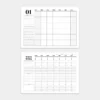
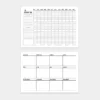
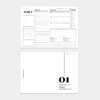
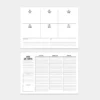
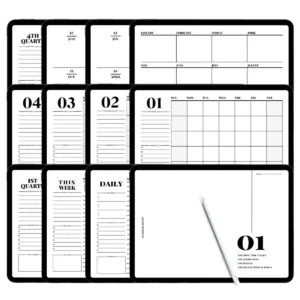
Precision iPad Weekly Planner Features
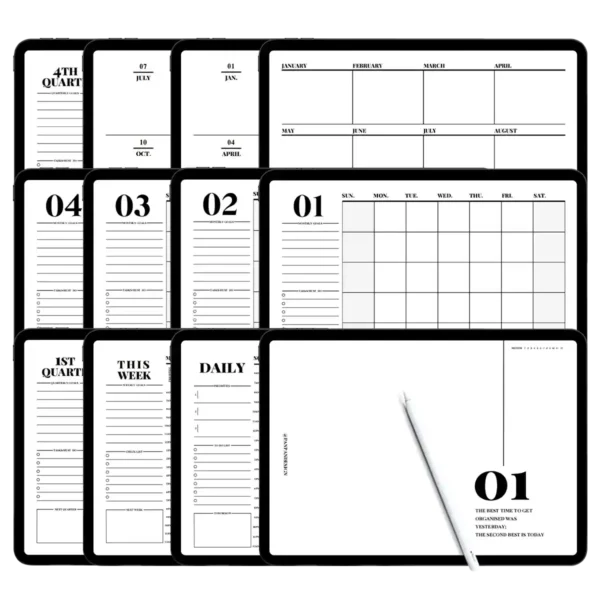
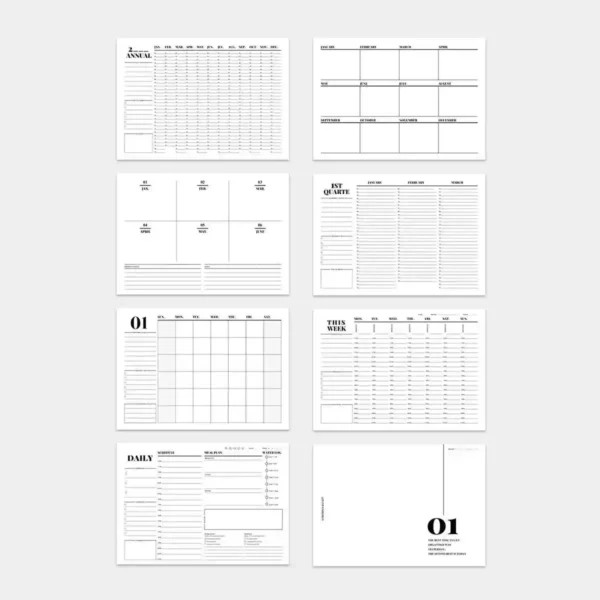
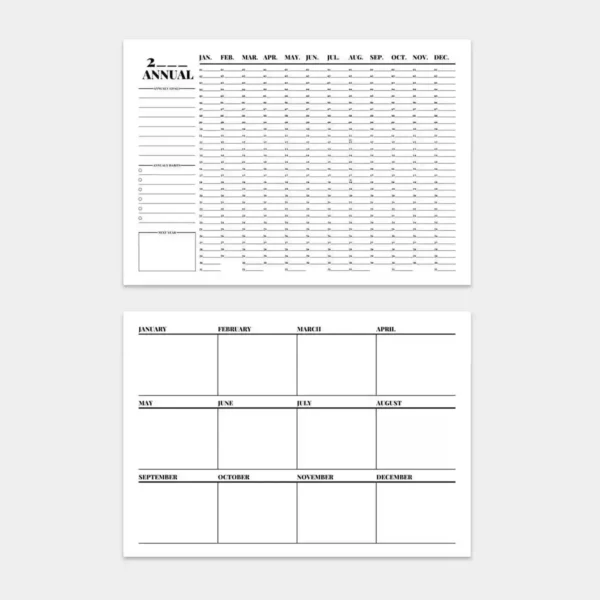
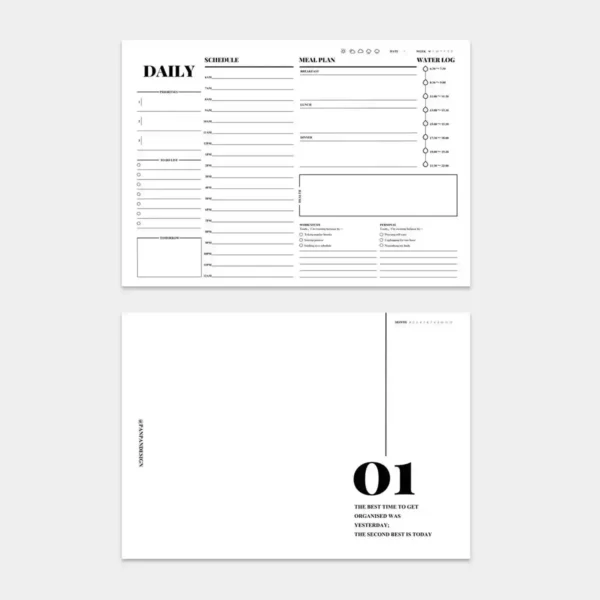
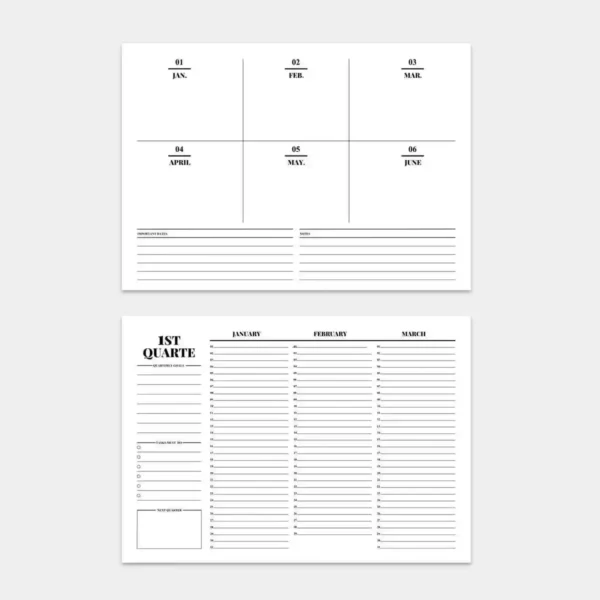
Full Spectrum Timeline: Seamlessly transition from a bird’s-eye quarterly view down to a detailed 24 hour hourly planner for total time mastery.
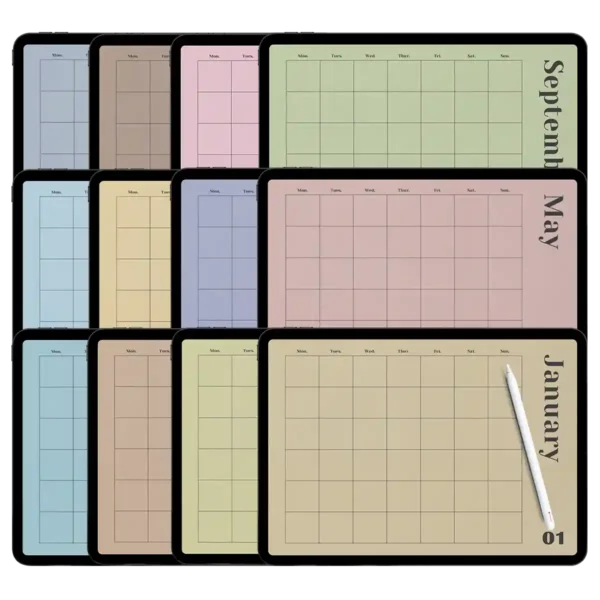
Reactive Hyperlinked Tabs: Engineered with high-speed monthly tabs for planner navigation to ensure zero friction between your year, month, and day views.
Zero-Lag PDF Architecture: Specifically optimized for Goodnotes, Notability, and Noteshelf to prevent the stuttering often found in large digital files.
Dual-Use Formatting: Perfectly balanced for both a digital ipad weekly planner experience and high-resolution planner printables in A4 format.
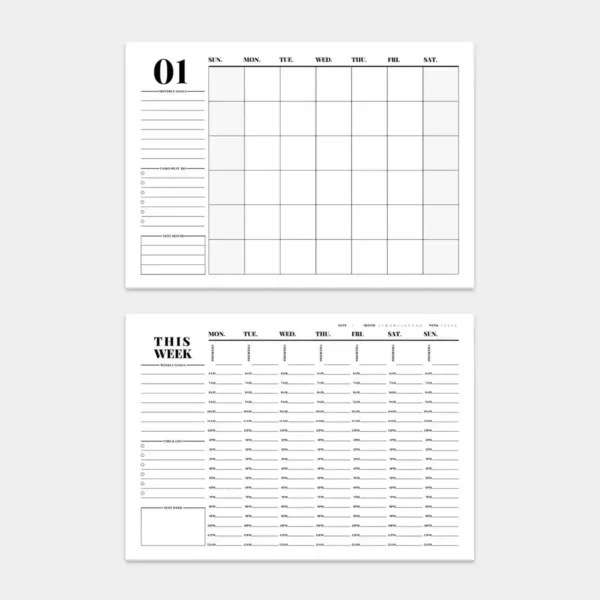
Comprehensive Vertical Spreads: Features a planner weekly vertical layout that allows for intuitive time-blocking and “dashboard” style task management.
Infinite Customization: As a completely undated system, you can duplicate pages forever, making it a sustainable, one-time investment.
A4 Print-Ready Precision: Every page is vector-based, ensuring crisp, professional lines whether viewed on a screen or printed for your physical binder.
Master Your Schedule with the Weekly Dashboard Planner
In a world filled with distractions, having a central “command center” is the only way to ensure your priorities don’t get lost in the noise. Weekly dashboard planner systems have become the gold standard for digital organization because they allow you to see your tasks, habits, and schedule in a single, unified view. We designed this specific system for the person who feels that standard planners are too restrictive. Whether you are a student managing a complex semester or a professional balancing multiple projects, this ipad weekly planner provides the flexible structure you’ve been searching for.
The Power of the 24 Hour Hourly Planner
Most planners stop at 8:00 PM, but we know your life doesn’t. This system includes a comprehensive 24 hour hourly planner within the weekly and daily spreads. This is vital for shift workers, students pulling late nights, or “early birds” who start their day at 4:00 AM. By using the week hour by hour planner pages, you can effectively “time-block” your day, which is a scientifically proven method to increase productivity by up to 80%. When you can see exactly where your time is going, you can finally reclaim the hours you used to lose to “busy work.”
Built for the Professional Software Ecosystem
We believe your digital tools should be an extension of your mind, not a source of technical frustration. This planner weekly vertical suite is fully integrated into the modern Software Ecosystem. While many planners for sale are heavy and slow down your device, our zero-lag promise means that your Apple Pencil will glide across the screen with zero latency.
We have optimized every layer for:
Goodnotes: Perfect for utilizing the hyperlinked monthly tabs for planner.
Notability: Ideal for those who like to record audio while they plan.
Noteshelf: Great for users who want a tactile, realistic writing experience.
Because these are also high-resolution planner printables, you aren’t tethered to your screen. If you prefer the feeling of physical paper, you can print these A4-sized templates and add them to your favorite physical binder, giving you the best of both worlds.
Expert Tips: Mastering Hyperlinked Navigation
How to Navigate Like a Pro: When using this as an ipad weekly planner, the key to speed is the “Read-Only” mode. In apps like Goodnotes, toggling this mode on allows you to tap the monthly tabs for planner or the date icons to jump instantly between sections. I recommend using the “Year at a Glance” page as your home base. From there, you can jump to a specific quarter, then a month, then down to your planner weekly vertical dashboard in just three taps.
Expert Tip for Time-Blocking: When using the 24 hour hourly planner, use different colored highlighters for different areas of your life (e.g., Blue for Deep Work, Green for Health/Gym, Yellow for Family). This turns your weekly dashboard planner into a visual heatmap of your priorities. If one color dominates too much, you’ll know exactly where you need to rebalance your life.
Product Specs Table
| Feature | Specification |
| Product Category | Weekly Dashboard Planner / Timeline System |
| Dating Style | Undated (Start any year, any time) |
| Time Format | 24 Hour Hourly Planner / Vertical Layout |
| Print Support | A4 High-Resolution (300 DPI) Planner Printables |
| App Compatibility | Goodnotes, Notability, Noteshelf, Xodo |
| Device Support | iPad Pro/Air, Android Tablets, Microsoft Surface |
| Navigation | Full Hyperlinked Tabs & Interactive Directory |
| File Format | 1 High-Performance Interactive PDF |
FAQ
Q: How do I receive my weekly dashboard planner after purchase? A: You will receive an instant download link immediately after checkout. Simply save the PDF file to your device and import it into your preferred app like Goodnotes or Notability to start planning right away.
Q: Does this work on Android tablets? A: Yes, it does. This is a standard interactive PDF that functions perfectly on Samsung Notes or Xodo for Android. All hyperlinked monthly tabs for planner and navigation buttons will remain fully functional.
Q: Can I print these pages for a physical binder? A: Absolutely. These files are designed as high-quality planner printables. They are formatted for A4 paper, ensuring that the 24 hour hourly planner lines and text remain sharp and professional when printed.
🎁Includes:
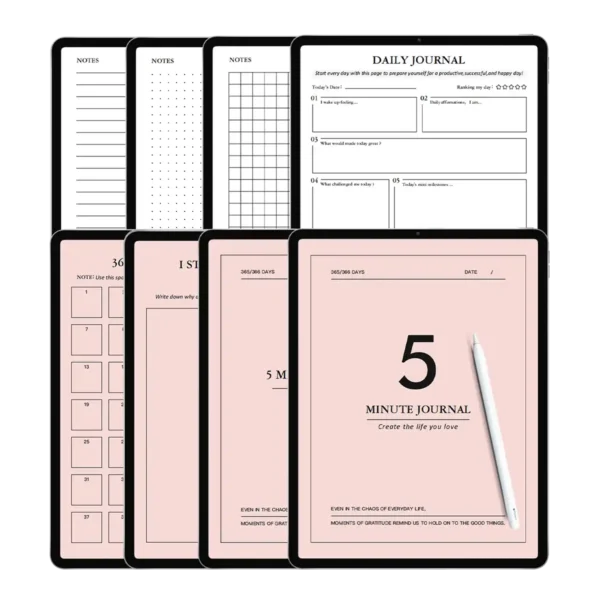
Self-fillable year, quarter, month, and day plan separator page PDF x 1
🎁Features:
Designed specifically for iPad and Android tablets. We have also optimized the files for use with GoodNotes on iPad (it works best with iPad Pro, Apple Pencil, and the GoodNotes app). Of course, you can also use it with other tablets and apps (GoodNotes, Notability, Xodo, Noteshelf, etc.).
🎁Important Note:
This is a digital product. After checkout, you will receive an email containing a secure link to download the files you purchased. Please ensure the email address used for purchase is correct and can receive emails. This GoodNotes digital note-taking set does not include the original note-taking app (e.g., GoodNotes, Notability, etc.). It also does not include any physical products, such as an iPad or Apple Pencil.
Due to differences in displays and web browsing devices, the colors displayed on your screen may vary slightly from the images shown on this page.
🎁Store Policy
Due to the nature of digital products, we do not accept returns, refunds, or exchanges. Please review your cart carefully before purchasing. Click here to read the full policy.

Reviews
There are no reviews yet.