
Key Interactive Features
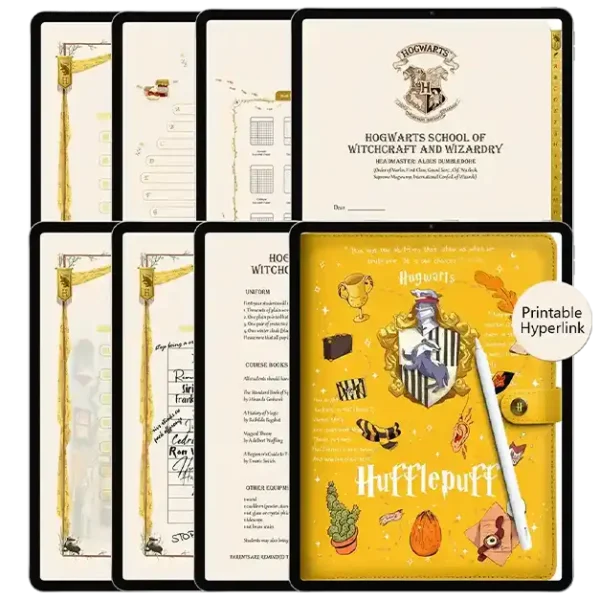
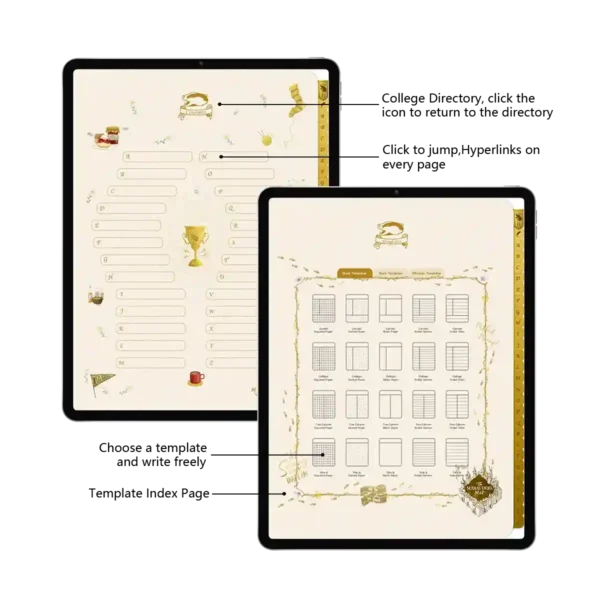
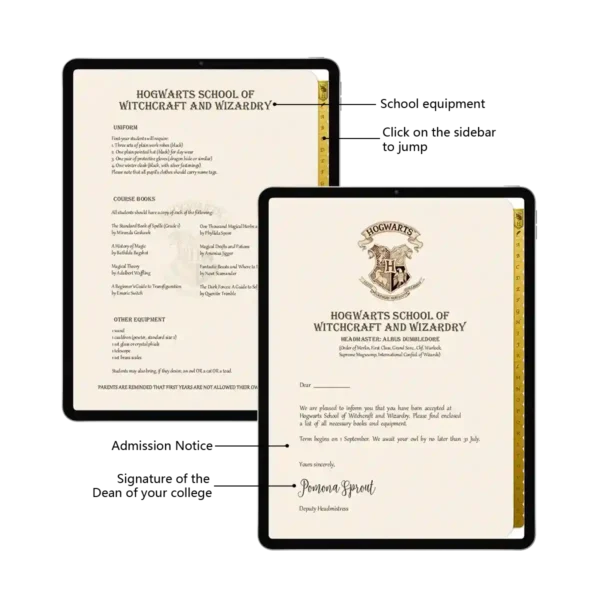
Seamless Hyperlinked Navigation: A fully hyperlinked design that transforms this undated planner weekly into an intuitive, zero-lag experience across all 94+ pages.
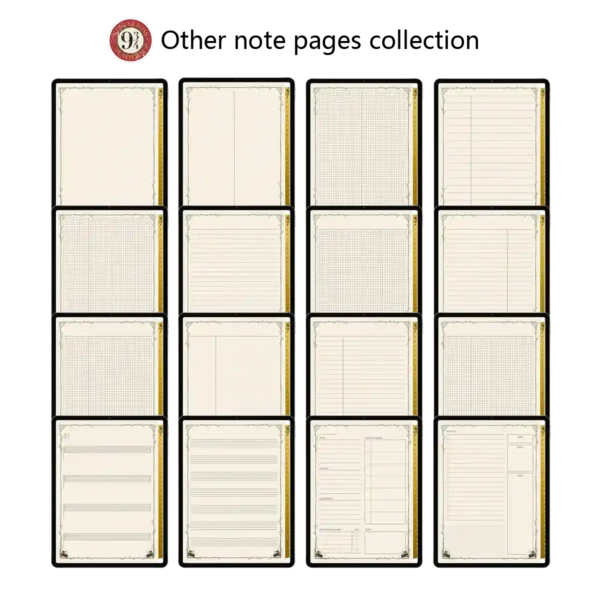
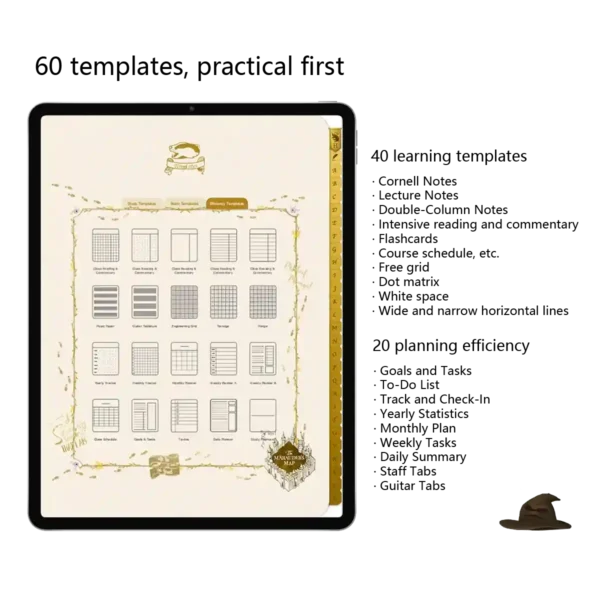
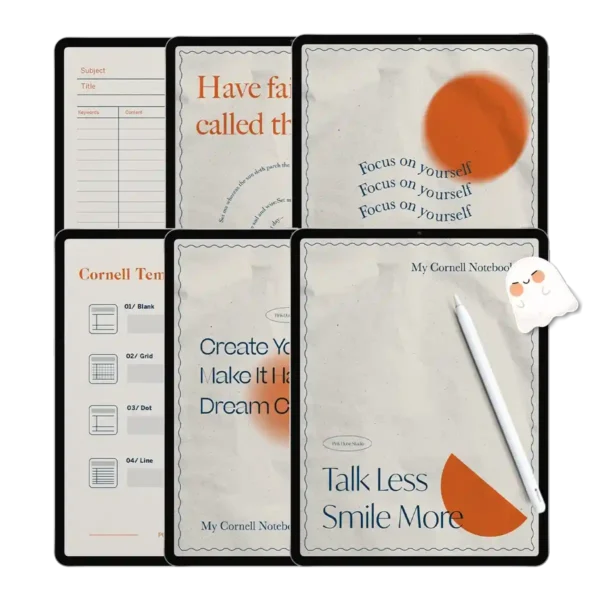
Professional Academic Suite: Includes 40 dedicated study templates like Cornell Notes, lecture logs, and learning flashcards for the ultimate weekly planner notepad experience.
Comprehensive Productivity Layouts: 20 high-efficiency tools including Monthly Plans, Goal Trackers, and Year-in-Review spreads tailored for busy schedules.
Ultra-Sensory Paper Texture: High-resolution digital “Super-Sensory” paper that perfectly mimics the tactile feel of premium, heavy-weight parchment.
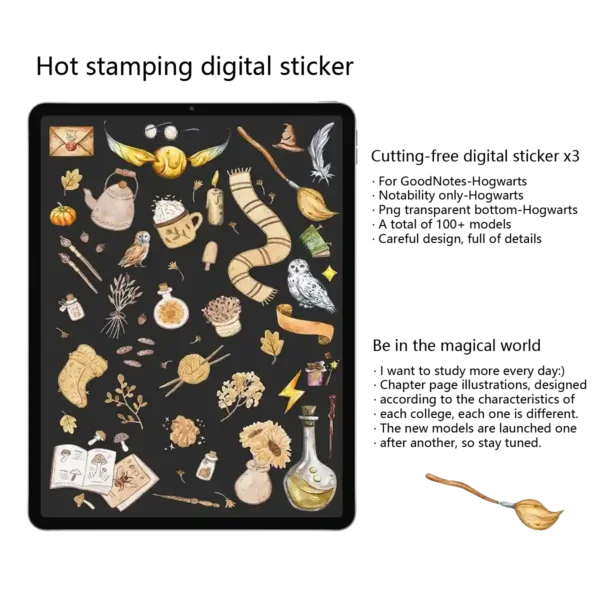
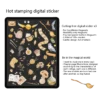
Complete Customization Bundle: Includes no-cut digital stickers (Goodnotes, PNG, and Notes formats), authentic-looking sticky notes, and custom color palettes.
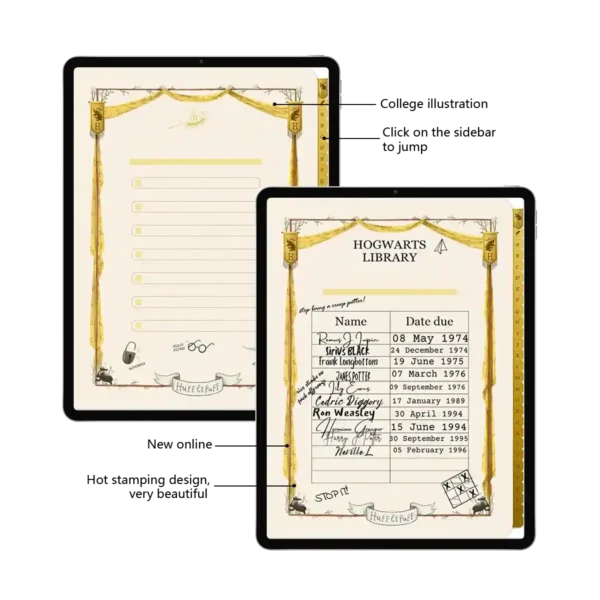
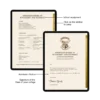
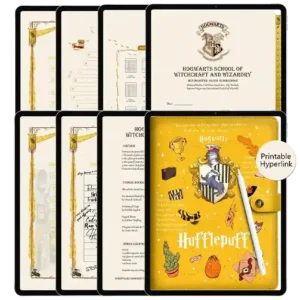
Hufflepuff Legacy Craftsmanship: A stunning faux-leather cover with honey-gold hot-stamping and hand-drawn chapter dividers inspired by the badger’s loyalty.
Master Your Schedule with the Vertical Weekly Planner Hufflepuff Edition
If you’ve been searching for a digital ipad planner that blends professional-grade functionality with a touch of magic, look no further. The vertical weekly planner Hufflepuff Edition is meticulously crafted for the “quiet achievers”—the students and professionals who value consistency, hard work, and a cozy yet disciplined study environment. Unlike a generic weekly planner notepad, this digital system provides a robust, immersive framework that adapts to your unique workflow, making it the definitive planner for sale for wizarding world enthusiasts.
(1) Deep Integration with the Modern Software Ecosystem
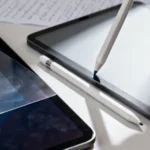
We’ve engineered this undated planner weekly to be the most responsive tool in your professional Software Ecosystem. While it is a celebrated favorite for Goodnotes users, it is also fully optimized for Notability, Noteshelf, and Samsung Notes. We understand that digital planning should feel as natural as physical writing. That’s why we’ve used advanced PDF vector optimization to guarantee a zero-lag promise. Even when used on an iPad Pro with an Apple Pencil, the response time is instantaneous. You can flip through 94+ initial pages, duplicate templates infinitely, and add high-resolution stickers without ever experiencing the lag that plagues lower-quality digital products.
(2) Practicality First: 60+ Versatile Templates for Every Goal
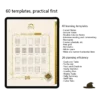
A true Hufflepuff knows that success is the result of daily dedication. This vertical weekly planner isn’t just a notebook; it’s a 60-template productivity powerhouse.
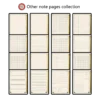
The Academic Collection (40 Templates): Master complex subjects with our specialized Cornell Notes layouts, learning flashcards, and course schedules. We’ve even included creative templates like five-line staff paper and guitar tabs for those who balance their studies with musical passion.
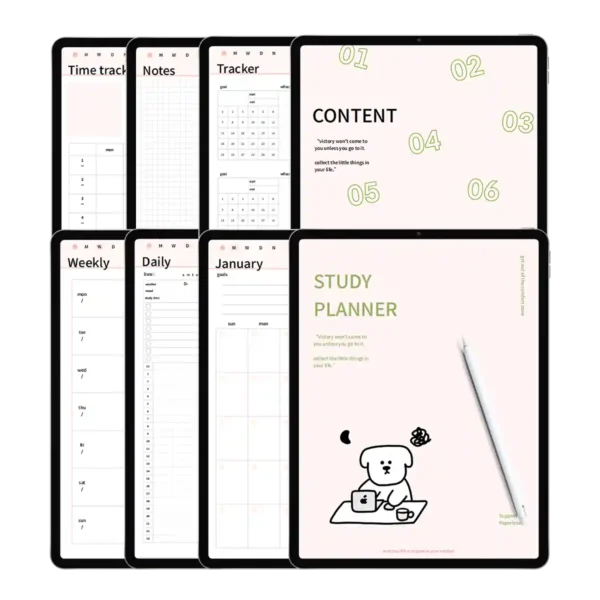
The Efficiency Hub (20 Templates): Manage your Monthly Plan, track your habits, and visualize your Yearly Statistics. This is the ultimate weekly planner notepad for someone who needs to see their progress at a glance.
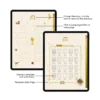
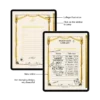
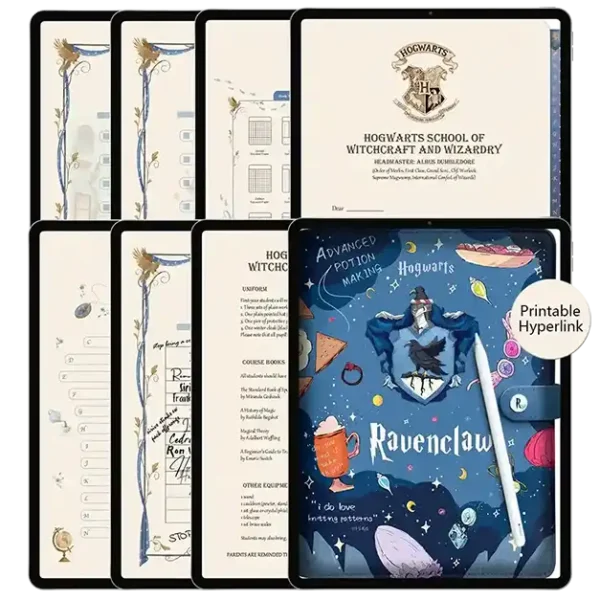
Every section is separated by hand-drawn illustrations and relic-themed dividers. One tap on the sidebar or the central house icon takes you exactly where you need to be, keeping your focus where it belongs: on your work.
(3) The Hufflepuff Aesthetic: Cozy Focus for Deep Work
Why settle for a sterile, white digital screen when you can plan in a world of honey-gold and earthy tones? The Hufflepuff digital ipad planner is designed to reduce eye strain and create a “hygge” study atmosphere. The faux-leather cover, embossed with house pride, invites you to open your notebook every day. As an undated planner weekly, it offers the ultimate flexibility—you can start your journey at any time of the year without wasting a single page. It’s the perfect planner for sale for those who find traditional dated planners too restrictive. Each page is a “Super-Sensory” experience, providing a delicate paper texture that makes digital writing feel incredibly satisfying.
(4) User Experience Expert Tips: Master Your Digital Stickers
Professional Advice on Hyperlinks: To ensure the fastest navigation within your vertical weekly planner, always remember to toggle your PDF app to “Read-Only Mode” when using the tabs. This allows the relic-themed directory to function as a high-speed portal, moving you between your undated planner weekly spreads and your Cornell Notes in milliseconds.
Expert Tip for Sticker Use: For the best visual results, import our PNG stickers into your app’s “Elements” tool. I recommend using the honey-yellow sticky notes to highlight your non-negotiable “Big Three” tasks for the day. This visual hierarchy helps you stay true to the Hufflepuff values of patience and persistence, ensuring you never feel overwhelmed by your to-do list. Whether you are using this as a digital ipad planner or a dedicated weekly planner notepad, these small organizational habits will transform your productivity.
Product Specs Table
| Feature | Specifications |
| File Format | Interactive PDF + .goodnotes + .notes + PNG |
| Device Compatibility | iPad (all models), Android Tablets, Microsoft Surface |
| App Compatibility | Goodnotes, Notability, Samsung Notes, Noteshelf |
| Total Pages | 94 Initial Pages (Infinite Duplication Supported) |
| Templates Included | 60 (40 Learning + 20 Efficiency) |
| Sticker Count | 100+ Pre-cropped Digital Stickers |
| Dated/Undated | Undated (Evergreen Use) |
FAQ
Q: Can I use this vertical weekly planner on my Android tablet? A: Yes, you can. While many fans use it on iPad, this digital ipad planner is a standard interactive PDF that works perfectly on Samsung Notes and Xodo, preserving all hyperlink functionality for Android users.
Q: How do I receive my files after purchasing? A: You will receive an instant download link immediately after checkout. This includes your PDF planner, three sticker formats, and custom color palettes to match the Hufflepuff aesthetic.
Q: Is this undated planner weekly suitable for beginners? A: Absolutely. Being an undated planner weekly means there is no pressure to start on a specific date. It’s a very forgiving weekly planner notepad system that allows you to learn digital planning at your own pace.
Included Files:
After checkout, you will be redirected to a page where you can download your files. You will also be emailed with your purchased file
Upon purchase, you will be given access to (1) download dashboard PDF file.
You can download all planner options, stickers, and covers by opening this file in your web browser (Safari is recommended)
The download contains the following:
1 x Hufflepuff Notes Template
1 x Digital stickers(GoodNotes/Notability/Png three formats)
To Use:
iPad & Mac
This planner is designed to work best on the iPad and can be used on all versions and sizes. To use the planner on an iPad, you will also need an accompanying note app such as GoodNotes , Noteshelf, Notability, Samsung Notes and Xodo.
The planner can also be used on an iMac or MacBook with the GoodNotes and Noteshelf apps’ desktop version.
Android/PC
This planner can be used with most Android tablets. However, since there is such a large variety of tablets, we cannot guarantee that the planner will work on all Android devices. If your device supports the Noteshelf or Xodo app, you should be able to use the planner template as well.
Return Policy:
Please note that this is a digital product and no physical product will be shipped. Also, due to the irretrievable nature of digital files, all sales are final. Please review the listing thoroughly before purchase. Not sure if the product will work for you? Feel free to send any questions to hello@harrypotterplanner.com
Joahlee Nee –
The yellow color scheme is cheerful but not overwhelming. Perfect for my daily journaling and meal planning. It feels like a cozy digital hug from the Hufflepuff common room~~~~
Betty Ballow –
As a proud Hufflepuff, I adore how this digital notebook captures the true spirit of the house – loyal, patient, and just. The description on the cover is so fitting💋💋💋💋💋💋💋💋💋v
Toni Hazel –
As a Hufflepuff, I appreciate how this notebook balances beauty with functionality. The layouts are clean and easy to use, yet still full of magical details
beccasnooky –
I like it very much,
mandibane2 –
The warm yellow colors and badger motifs instantly brighten my iPad screen. Perfect for journaling and daily planning – it feels like a friendly companion that makes organizing tasks feel peaceful and enjoyable………………………………………………………………………………………………………………………….
frederieke schoneveld –
As a Hufflepuff, I appreciate how this notebook balances beautiful design with solid functionality. The layouts are clean and intuitive, yet filled with thoughtful magical touches. It’s become my go-to for study notes and recipe collections
Alecia –
Very intuitive and easy to use!