
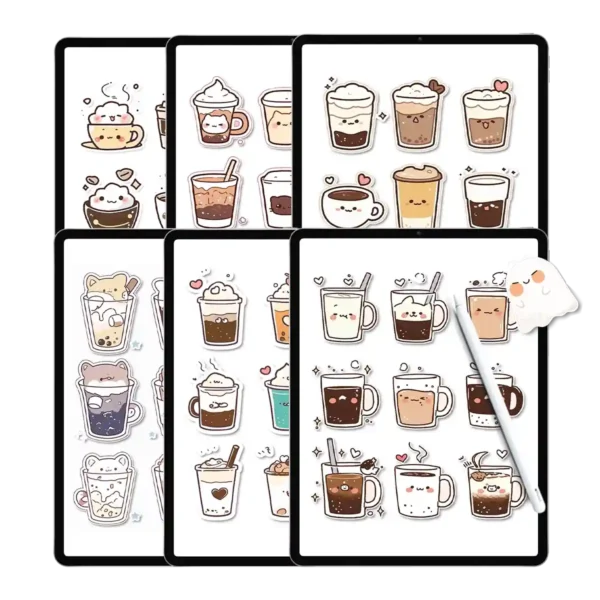
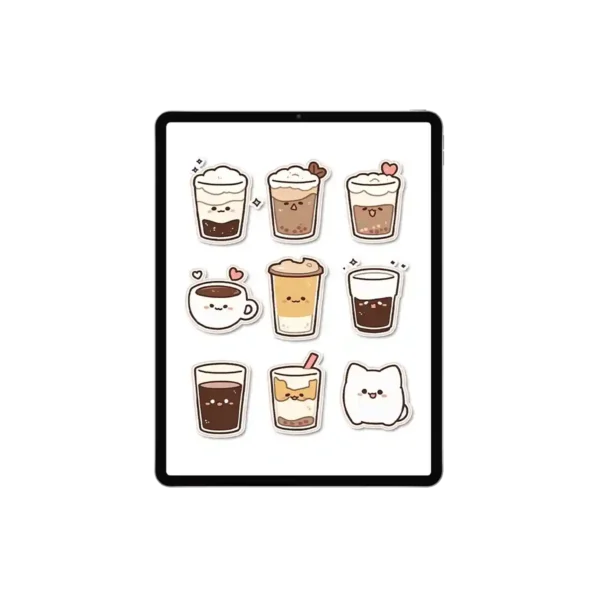
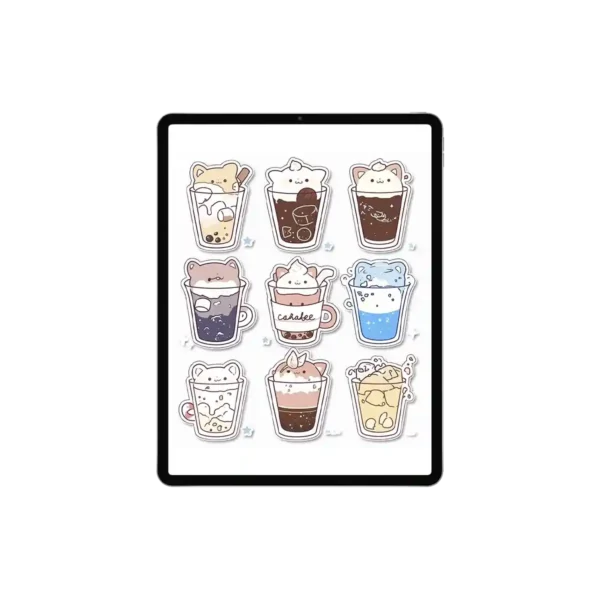
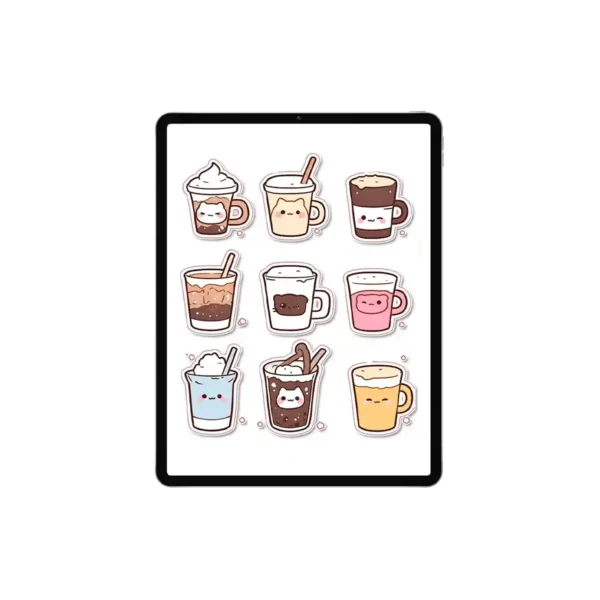
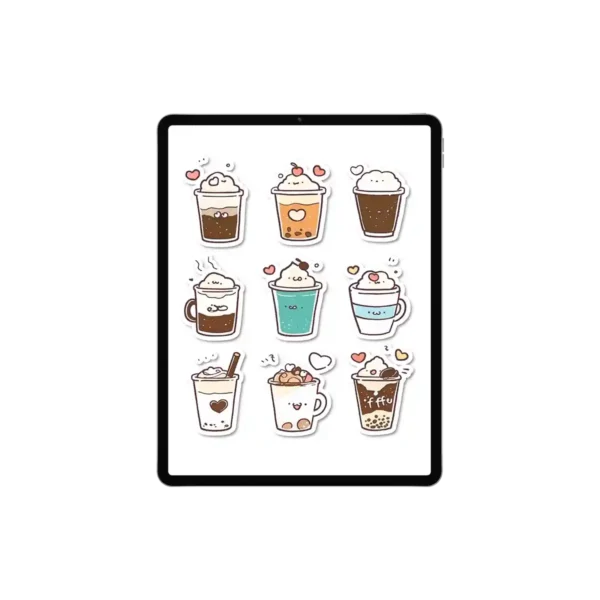
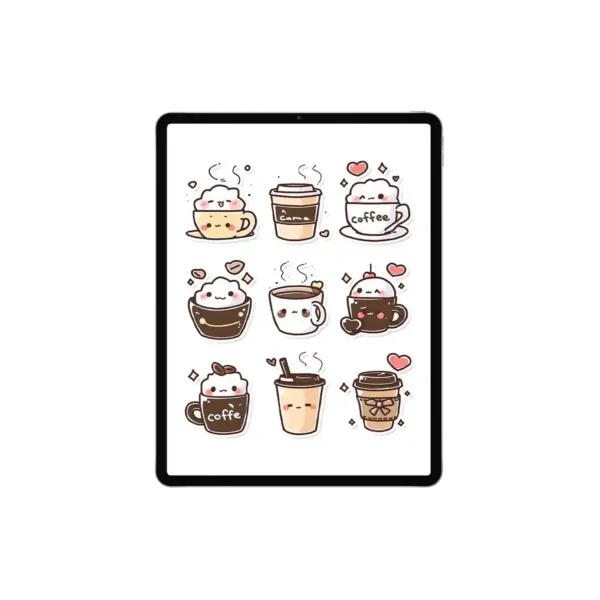
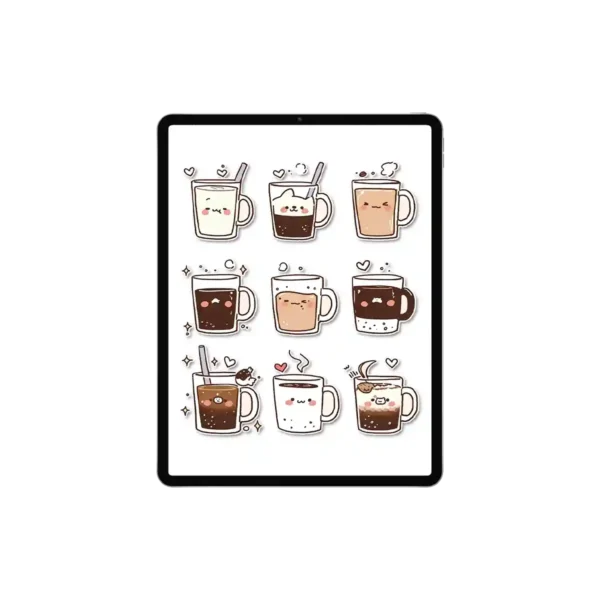
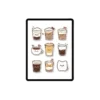
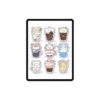
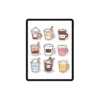
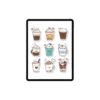
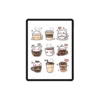
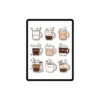

Create Your Perfect Reading Nook with 105 Magical Coffee Stickers
Zero-Lag Architecture: Optimized file sizes ensure smooth scrolling in Goodnotes without slowing down your iPad.
105 Individually Cropped PNGs: Skip the tedious cropping; each sticker is ready for immediate use.
High-Resolution 300 DPI: Crystal-clear coffee stickers that look stunning even when zoomed in on an iPad Pro.
Universal App Compatibility: Seamlessly works with Goodnotes, Notability, Noteshelf, and Samsung Notes.
12 Digital Sticker Sheets: Includes full transparent sheets for traditional sticker planner book users.
Transparent Backgrounds: Professionally cut edges to blend perfectly with any digital notebook covers.
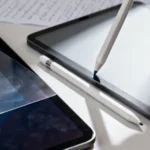
Apple Pencil Optimized: Designed for a natural, tactile writing and decorating experience.
Every book lover knows that a good story is best paired with a warm cup of coffee. Our reading stickers collection celebrates this timeless ritual. This isn’t just a pack of graphics; it’s a tool to help you romanticize your daily productivity. Whether you’re a student marking study sessions or a professional time-blocking your “me-time,” these coffee stickers add a whimsical, hand-drawn touch that mass-produced icons simply can’t match.
Optimized for the Digital Planning Ecosystem
In the world of digital planning, technical performance is just as important as aesthetics. We’ve meticulously optimized these digital notebook covers and sticker files to ensure they play nice with the most popular hardware and software.
Hardware Enthusiasts: Designed specifically for the iPad Pro and Apple Pencil experience, these stickers react naturally to your digital workspace.
Software Flexibility: Whether you are a Goodnotes power user or a Samsung Notes aficionado, our reading stickers import flawlessly. We provide 105 individual PNGs for those who want speed, and 12 full sheets for those who enjoy the ritual of the happy planner mini cover style layouts.
Beyond Just Coffee: A Versatile Design Palette
While the heart of this pack is the coffee stickers—featuring everything from steaming lattes to cute “cat-cappuccinos”—the soft, neutral color palette makes them incredibly versatile. These aren’t just for cafe visits! Use them as a note book cover accent, or dot them around your monthly spread to signify quiet moments of reflection. The variety includes:
Classic espresso cups for your high-energy workdays.
Kawaii-style whipped cream topped treats for weekend rewards.
Minimalist mugs that fit the “clean girl” or simple planner aesthetic.
User Experience Expert Tips: How to Master Digital Stickers
Expert Tip: To keep your digital planner running at peak performance, I recommend using the Goodnotes Elements tool. Instead of importing 105 individual files into every new page, save your favorite reading stickers into a dedicated collection within the app. This reduces file bloat and allows you to access your coffee stickers with a single tap. If you’re using Notability, try layering these transparent PNGs over our digital notebook covers to create a 3D-effect personalized start page!
Professional Craftsmanship You Can Trust
As a creator focused on the Pudding Planner brand values, I ensure every stroke is hand-drawn and every background is truly transparent. No jagged white edges, no blurry pixels. These reading stickers are the result of hours of digital artistry, intended to make your sticker planner book feel like a high-end, bespoke journal.
Product Specs Table
| Feature | Specification |
| File Format | 105 Individual PNGs + 12 Full PDF Sheets |
| Core Keyword | Reading Stickers |
| Graphic Style | Hand-Drawn Kawaii Coffee Aesthetic |
| Device Compatibility | iPad, Android Tablets, Surface Pro, Mac/PC |
| App Compatibility | Goodnotes, Notability, Samsung Notes, Noteshelf |
| Resolution | 300 DPI High-Definition |
| Delivery | Instant Digital Download (No Physical Item) |
FAQ
How do I import these reading stickers into Goodnotes? Direct Answer: After your purchase, download the ZIP file, unzip it on your iPad, and simply drag and drop the individual PNG coffee stickers directly into your Goodnotes page or add them to your Elements tool.
Will these stickers work on my Samsung Galaxy Tab? Direct Answer: Yes, these reading stickers are compatible with Samsung Notes. Simply use the “Insert Image” function to add the pre-cropped PNGs to your digital notebook.
What should I do if the file feels too large for my app? Direct Answer: We offer “Zero-Lag” optimized files, but if you have a very old device, we recommend using the individual PNGs rather than the full sheets to keep your simple planner experience fast and fluid.
Are these stickers printable for a physical planner? Direct Answer: While designed for digital use, these are high-resolution 300 DPI files, making them perfect as a personalized notebook cover accent or for printing on sticker paper for your happy planner mini cover.
Included Files:
After checkout, you will be redirected to a page where you can download your files. You will also be emailed with your purchased file
Upon purchase, you will be given access to (1) download dashboard PDF file.
You can download all planner options, stickers, and covers by opening this file in your web browser (Safari is recommended).The download contains the following:
12 full sheets of transparent backing (cropping required)
105 Individually cropped PNG files
Google Driver download links will be provided for all files.To Use:
iPad & Mac
This planner is designed to work best on the iPad and can be used on all versions and sizes. To use the planner on an iPad, you will also need an accompanying note app such as GoodNotes , Noteshelf, Notability, Samsung Notes and Xodo.
The planner can also be used on an iMac or MacBook with the GoodNotes and Noteshelf apps’ desktop version.Android/PC
This planner can be used with most Android tablets. However, since there is such a large variety of tablets, we cannot guarantee that the planner will work on all Android devices. If your device supports the Noteshelf or Xodo app, you should be able to use the planner template as well.Have a question about using the planner? Check out our Answer Vault where we answer our most frequently asked questions.
Return Policy:
Please note that this is a digital product and no physical product will be shipped. Also, due to the irretrievable nature of digital files, all sales are final. Please review the listing thoroughly before purchase. Not sure if the product will work for you? Feel free to send any questions to hello@harrypotterplanner.com
Reviews
There are no reviews yet.