





Why This Magical Planner Bundle is Your New Productivity Secret
In the fast-paced “Muggle” world, staying organized shouldn’t feel like a chore—it should feel like a ritual. At Pudding Planner, we believe that a planner bundle should provide more than just empty pages; it should offer an immersive environment that sparks your creativity. This 6-in-1 collection is the culmination of meticulous design, blending the aesthetic of a simple planner with the rich, textured layers of a magical academy’s library.
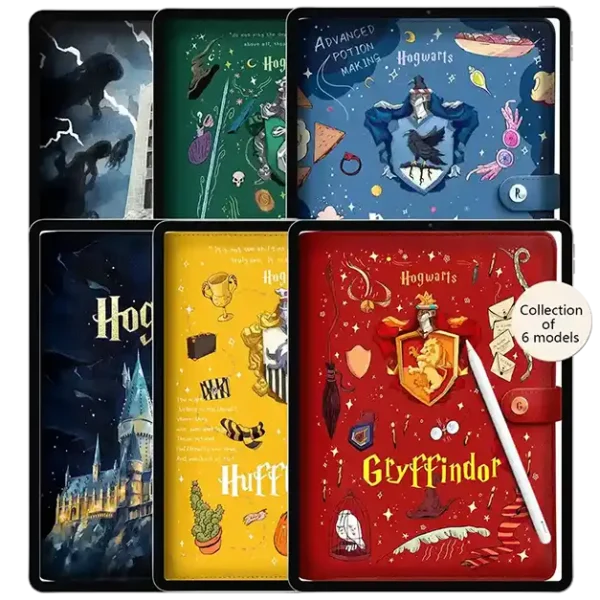
The Power of the 6-in-1 Collection
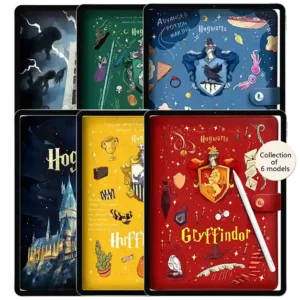
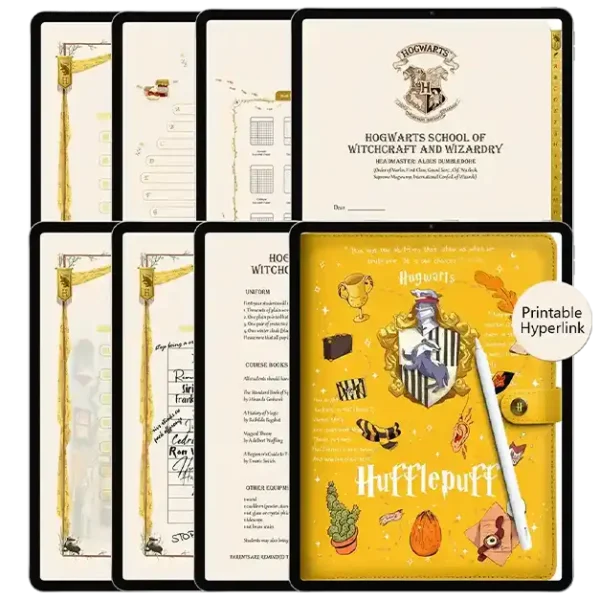
Whether you are feeling as courageous as a lion or as ambitious as a serpent, this planner bundle has a theme to match your daily energy. Each notebook within the bundle features:
Authentic Leather-Style Covers: Giving your iPad the tactile feel of a rare, ancient grimoire.
Interactive House Elements: Subtle magical motifs that inspire focus and mindfulness during your study or work sessions.
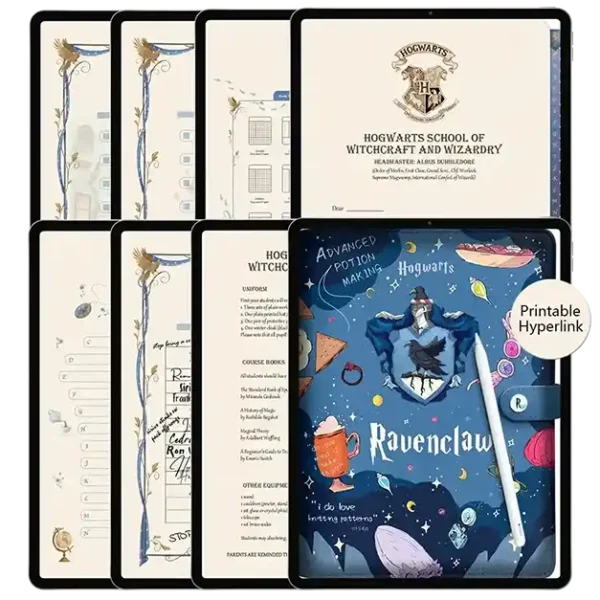
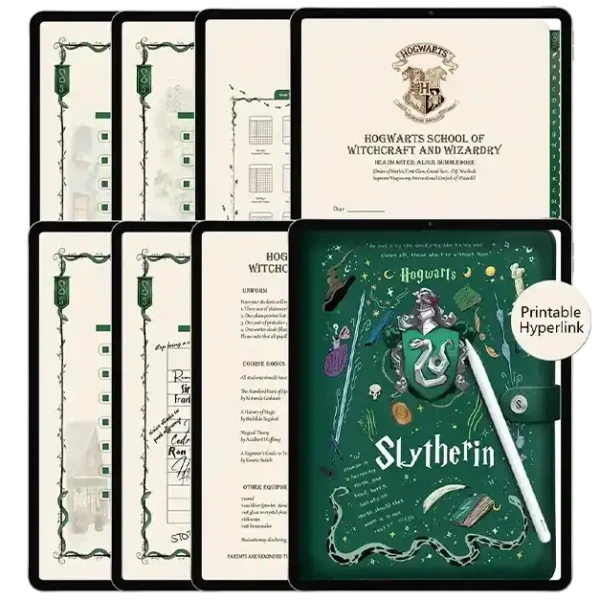
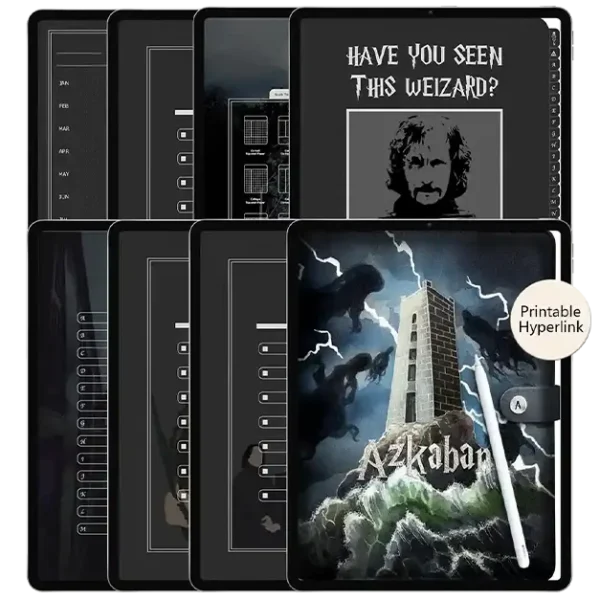
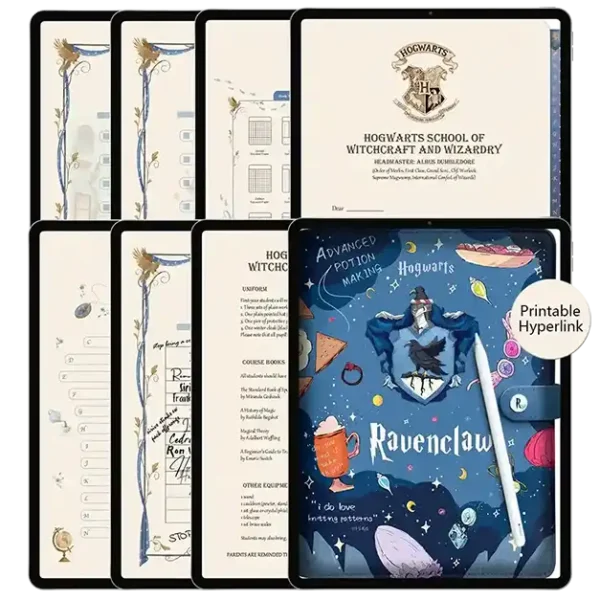
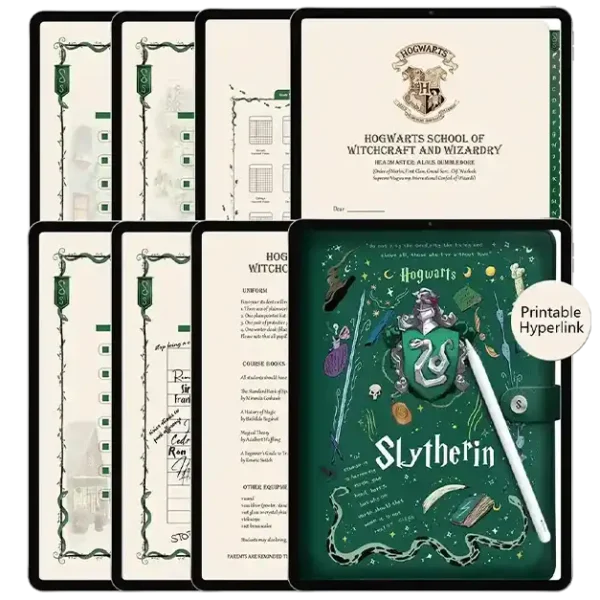
Versatile Page Templates: From grid and lined to dotted and blank, perfect for everything from lecture notes to mystical journaling.
Master Your Routine with Habit Tracker Stickers
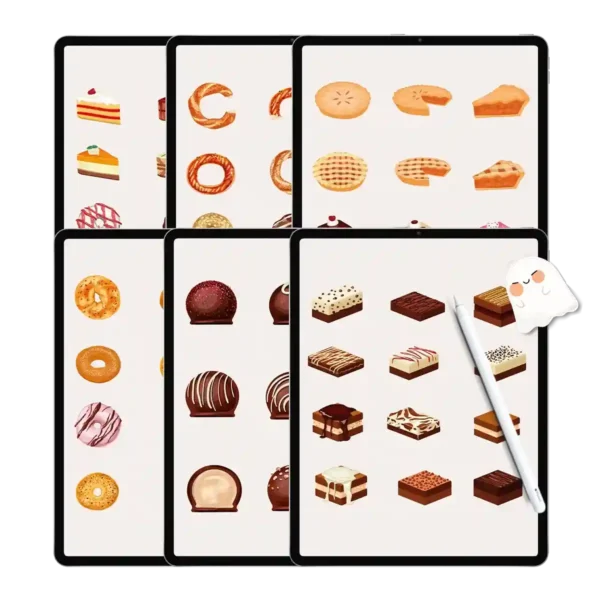
A truly effective simple planner relies on visual cues. That’s why we’ve included a digital sticker planner book featuring over 500+ habit tracker stickers. These aren’t just decorative; they are functional tools. Use them to monitor your hydration, track your “magic” (productivity) hours, or mark important deadlines. These stickers are pre-cropped for Goodnotes, meaning you can drag and drop them in seconds, keeping your workflow uninterrupted.
Software Ecosystem & Device Synergy
To achieve a “Zero-Lag Promise,” we have engineered these files to sync perfectly within the Goodnotes and Notability ecosystems. When paired with an Apple Pencil, the handwriting experience is indistinguishable from ink on paper. Our planner bundle is also a favorite among Android users who utilize Samsung Notes on the Galaxy Tab series, proving that magic knows no platform boundaries.
User Experience Expert Tips
Amelia’s Pro Tip for Hyperlink Mastery: When using your planner bundle in Goodnotes, ensure you are in “Read-Only” mode (the icon that looks like a crossed-out pen) to activate the hyperlinks. Once you’ve jumped to your desired page, toggle back to “Writing” mode to start your journey. For the fastest sticker access, keep your sticker planner book open in a “Split View” on your iPad—this allows you to drag stickers directly into your daily spreads without switching tabs.
Your Digital Sanctuary Awaits
This isn’t just a purchase; it’s an investment in your mental clarity. By choosing a pudding-smooth digital experience, you’re choosing to declutter your physical desk while expanding your magical potential. Join thousands of “wizarding souls” who have already transformed their daily grind into a purposeful adventure with the Pudding Planner collection.
Product Specs Table
| Feature | Specification |
| File Format | Optimized PDF & Pre-cropped PNGs |
| Core Keyword | Planner Bundle |
| Device Compatibility | iPad, Android Tablets, Microsoft Surface |
| App Compatibility | Goodnotes, Notability, Noteshelf, Samsung Notes |
| Sticker Count | 500+ Habit Tracker Stickers |
| Included Templates | 6 Unique Magical House Notebooks |
| Navigation | Full Hyperlinked Tabs & Index |
| Download Type | Instant Digital Download |
FAQ (Search Intent)
How do I import the planner bundle into Goodnotes? Direct Answer: You can import the planner bundle by downloading the file to your iPad, opening Goodnotes, tapping the “+” icon, and selecting “Import” to find your PDF.
Does this bundle support Android devices like Samsung Notes? Direct Answer: Yes, this planner bundle is fully compatible with Samsung Notes and other PDF annotation apps on Android.
How will I receive my stickers and notebooks after purchase? Direct Answer: You will receive an instant download link on the checkout page and via email immediately after your payment is confirmed.
Can I use the habit tracker stickers in other digital apps? Direct Answer: Absolutely! We provide the habit tracker stickers in individual PNG formats, making them compatible with almost any note-taking or digital journaling app.
The download contains the following:
1 x Gryffindor digital note template
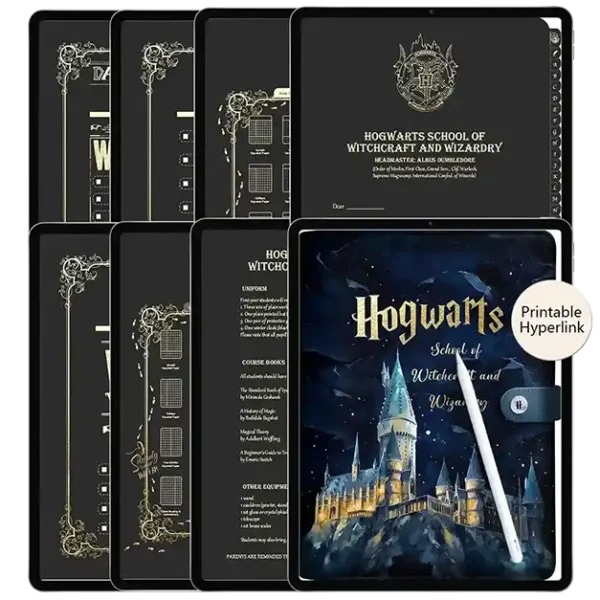
1 x Hogwarts digital note template
1 x Hufflepuff digital note template
1 x Ravenclaw digital note template
1 x Slytherin digital note template
1 x Azkaban digital note template
6 x Digital stickers(GoodNotes/Notability/Png three formats)
To Use:
iPad & Mac
This planner is designed to work best on the iPad and can be used on all versions and sizes. To use the planner on an iPad, you will also need an accompanying note app such as GoodNotes , Noteshelf, Notability, Samsung Notes and Xodo.
The planner can also be used on an iMac or MacBook with the GoodNotes and Noteshelf apps’ desktop version.
Android/PC
This planner can be used with most Android tablets. However, since there is such a large variety of tablets, we cannot guarantee that the planner will work on all Android devices. If your device supports the Noteshelf or Xodo app, you should be able to use the planner template as well.
Have a question about using the planner? Check out our Answer Vault where we answer our most frequently asked questions.
Return Policy:
Please note that this is a digital product and no physical product will be shipped. Also, due to the irretrievable nature of digital files, all sales are final. Please review the listing thoroughly before purchase. Not sure if the product will work for you? Feel free to send any questions to hello@harrypotterplanner.com

V. CHERIE BURKE –
I love being able to use different themes for different purposes – Hogwarts for personal journaling, Slytherin for work goals, and Hufflepuff for meal planning. The variety keeps my digital planning exciting and fresh every day
Olivia –
Such great value compared to buying individually❤️