
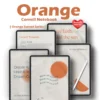
Elevate Your Workflow: High-Performance Features
Precision Hyperlinked Navigation: Move between 20 subjects and 86 pages with a single tap—zero-lag guaranteed for a frustration-free experience.
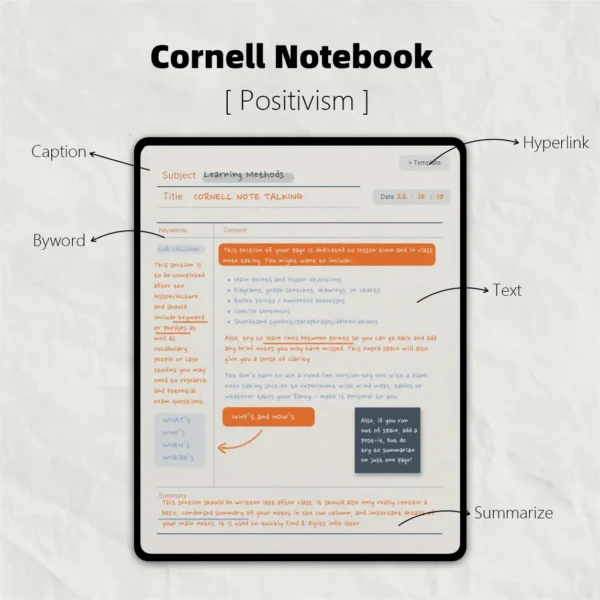
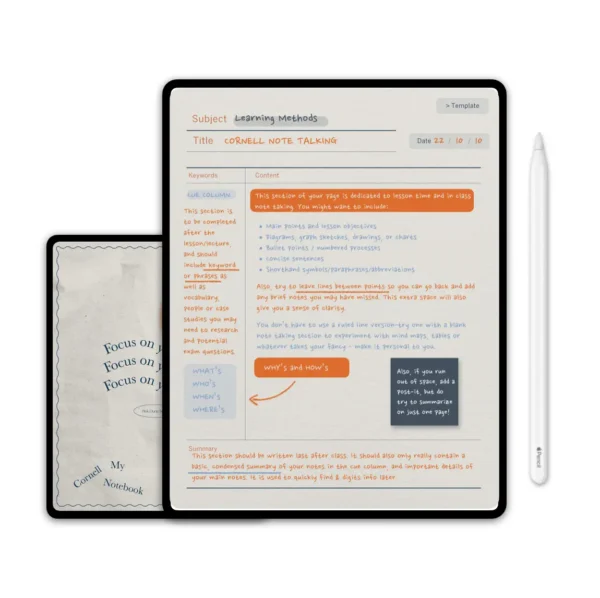
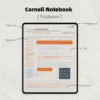
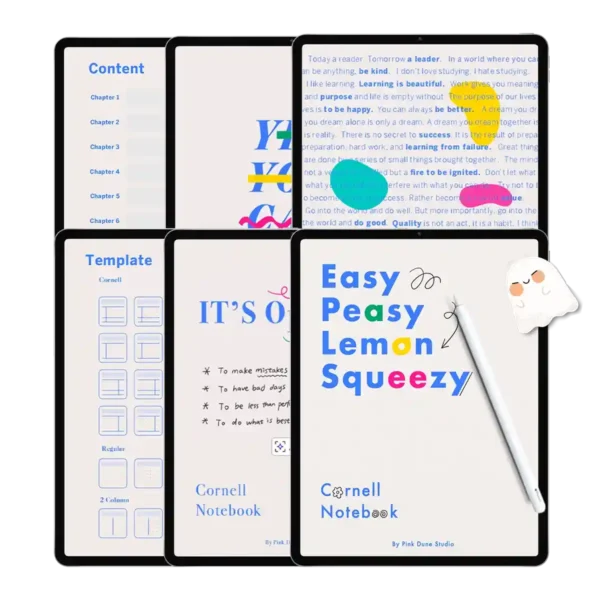
Evidence-Based Cornell Layouts: Optimized cornell note template pdf zones for cues, notes, and summaries to boost active recall.
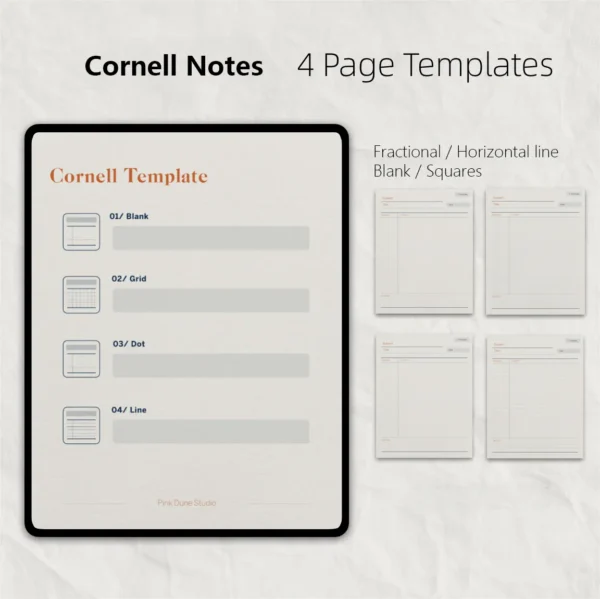
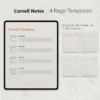
4-in-1 Adaptive Templates: Instantly switch between dotted, lined, blank, and grid notes template pdf styles within any chapter.
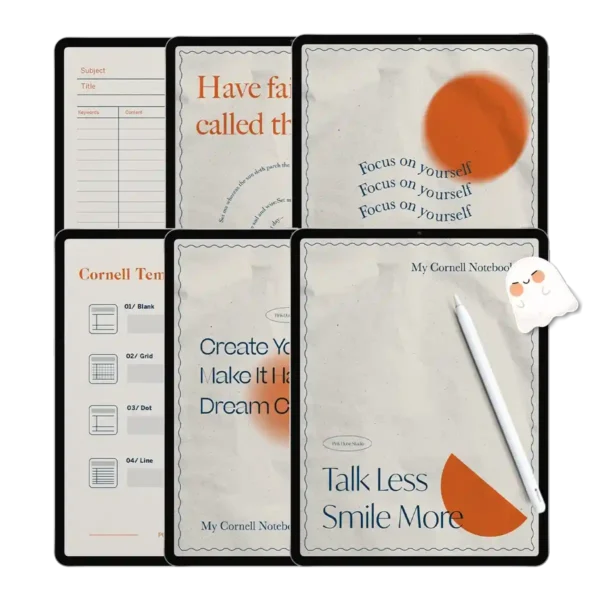
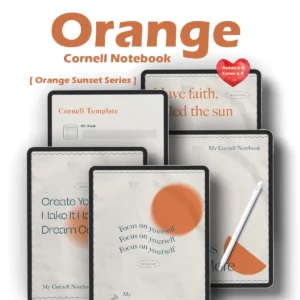
Eye-Comfort Digital Canvas: Features a premium paper-texture background and soft-orange accents to minimize fatigue during deep work sessions.
Universal App Synergy: Expertly engineered for Goodnotes, Notability, Samsung Notes, and Noteshelf.
AVID-Ready Professionalism: The perfect study planner template for students and professionals who demand a structured, academic-grade system.
Why the Cornell Method is Your Secret to Academic & Career Success
In a world of information overload, a simple daily planner template isn’t enough. You need a system that captures, clarifies, and recalls. That is where the cornell note book comes in. Developed at Cornell University, this method is proven to increase retention and save time during review. Our Orange Digital edition brings this classic study planner template into the digital age, specifically optimized for the Apple Pencil and iPad Pro.
The Anatomy of the Perfect Cornell Notes iPad Experience
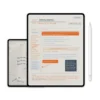
Most notes template pdf files are static and clunky. Our “Orange Positivism” notebook is built on a life planner template philosophy—meaning it adapts to your day. Whether you are using it as a goodnotes weekly planner template to map out your semester or as a dedicated cornell notes ipad system for a high-stakes board meeting, the structure remains consistent:
Cue Column: For keywords and follow-up questions.
Note-Taking Area: For the meat of your lecture or meeting.
Summary Section: For the “big picture” synthesis at the end of the day.
This structured approach is why many users find that a cute daily planner template with a professional backbone like this helps them stay focused longer than traditional journals.
Tailored for the Modern Student & Professional
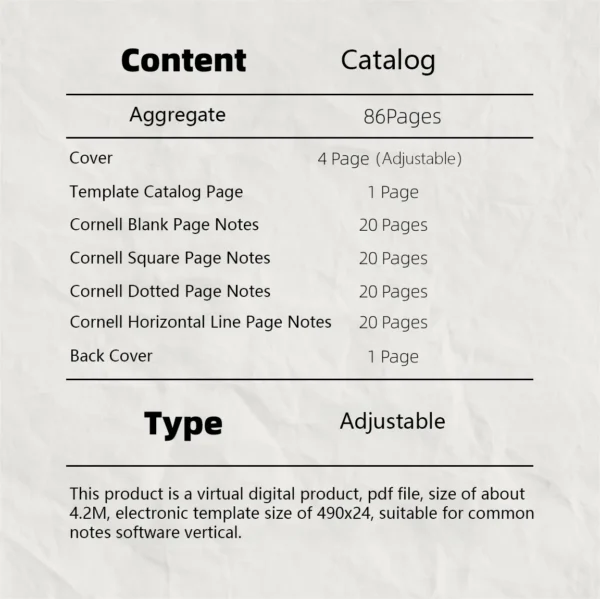
If you are searching for a study planner template that handles different subjects, this is your solution. We’ve included four distinct inner page styles (Dotted, Lined, Blank, and Grid) combined with the Cornell layout.
For the STEM Student: Use the grid planner template pdf for equations.
For the Creative: The blank ipad planner template allows for free-form mind mapping.
For the Professional: The lined notes template pdf is perfect for structured corporate minutes.
A Tech-Forward, Zero-Lag Promise
We understand that a digital notebook is only as good as its speed. This 86-page cornell note template pdf is meticulously compressed to ensure that your Goodnotes or Notability app remains snappy. You won’t experience the “jumping” or slow loading common with larger, unoptimized pdf templates. It is a seamless extension of your brain.
User Experience Expert Tips: Mastering Your Digital Notebook
Hyperlink Magic: On every page, look for the orange icons in the top right. These allow you to jump back to the main index or specific subject dividers instantly.
The Power of Layering: Since this is a digital daily planner template, use the “Lasso Tool” in Goodnotes to move your cues and summaries around as your understanding of the topic evolves.
Sticker Integration: While this notebook is professional, don’t be afraid to add digital stickers to your study planner template to highlight “Exam Dates” or “Priority Tasks.”
Searchability: One major advantage of using a cornell notes ipad system is the ability to search your handwriting. All our pdf templates are OCR-ready, meaning you can find a specific note from three months ago in seconds.
Product Specs Table
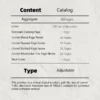
| Feature | Specification |
| File Format | Hyperlinked PDF (Optimized for Digital) |
| Device Compatibility | iPad Pro/Air, Surface Pro, Samsung Tab |
| App Compatibility | Goodnotes 5/6, Notability, Samsung Notes, Noteshelf |
| Page Total | 86 High-Resolution Pages |
| Templates | Cornell (Grid, Dotted, Lined, Blank) |
| Dating | Undated / Reusable Year-Round |
| Color Theme | Positivism Orange / Eye-Care Cream |
FAQ
Q: How do I import this Cornell notebook into Goodnotes? A: To use your daily planner template, download the PDF directly to your iPad. Open Goodnotes, tap “New…”, select “Import”, and choose the file from your “Downloads” folder. It will be ready to use with your Apple Pencil instantly.
Q: Can I use this on an Android tablet? A: Yes! This cornell note template pdf is a universal PDF file. It works perfectly with Samsung Notes or Noteshelf on Android tablets, maintaining all hyperlink functionality.
Q: How do I receive my files after purchase? A: This is an instant download product. As soon as your payment is confirmed, you will receive a link to download your notes template pdf bundle. No physical item will be shipped.
🍊Includes:
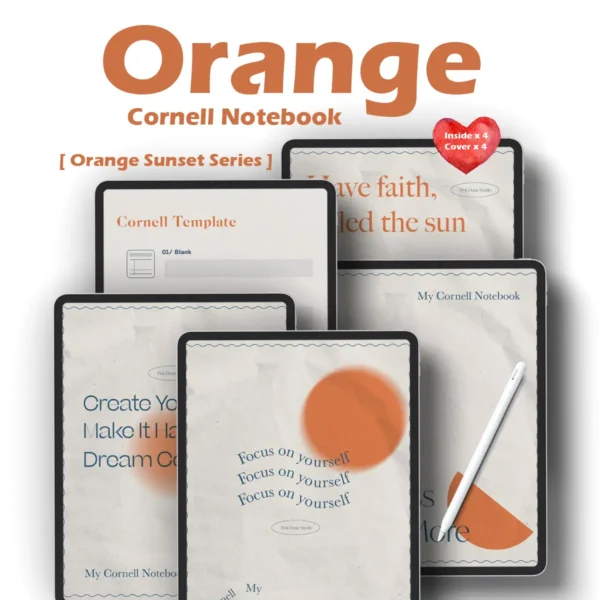
1 Cornell Notebook (digital notes)
🍊Note
This product requires a compatible note-taking app, such as Goodnotes (recommended), Notability, or other apps. Please note that the app is not included with your purchase.
🍊Download
After checkout, you can immediately access the file via the download link on the order confirmation page. You will also receive an email containing the download link. Please ensure that the email address used for your purchase is correct and able to receive emails.
🍊Store Policy
This product is for personal use only and may not be resold or distributed. Since this product is a digital product, returns, refunds, or exchanges are not accepted. Please ensure that your shopping cart is correct before completing your purchase.


Katie Grantham –
Simple, smart, and seriously pretty
Alexa Romero –
Clean design, zero distractions 🧠
annearthenice –
Works perfectly on both my iPad and tablet ~
Margaret –
Orange is such a happy study boost
Mashira –
The bright orange cover is so energizing, and the paper texture feels so real. Navigation between sections is super smooth.
Carol –
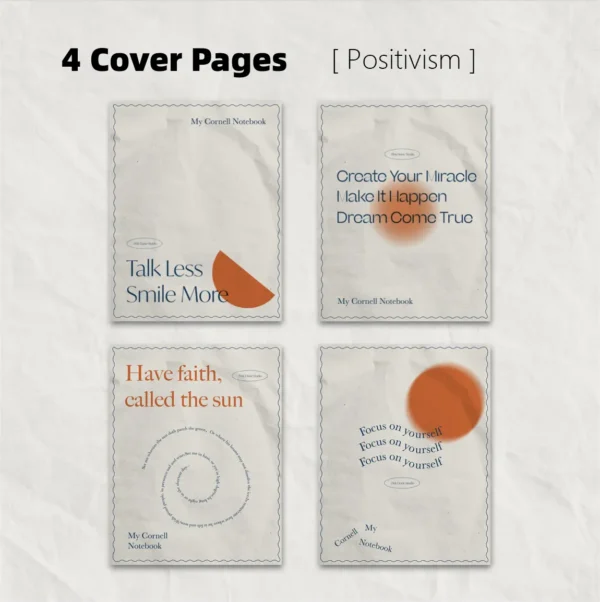
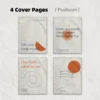
Perfect for keeping all my study materials in one place! 📚 The 4 minimalist covers let me match the notebook to my mood, and the instant navigation saves so much time during revision. Using it on my Android tablet works flawlessly too