


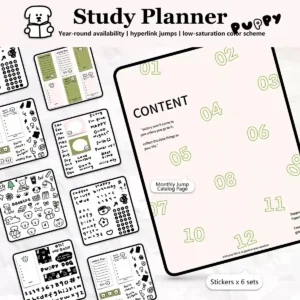
Key Interactive Features
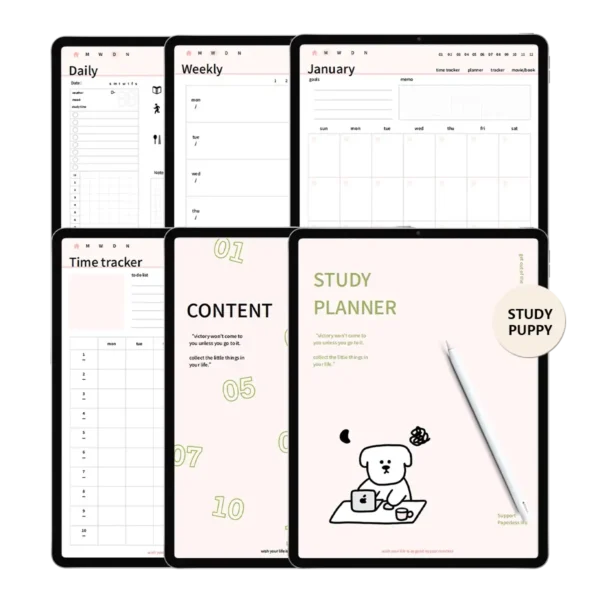
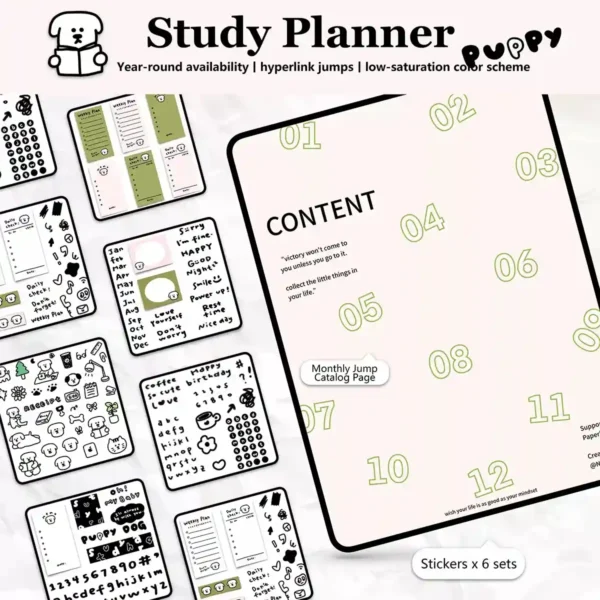
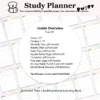
Smart Hyperlinked Navigation: Intelligent index and monthly tabs for a no-lag PDF browsing experience.
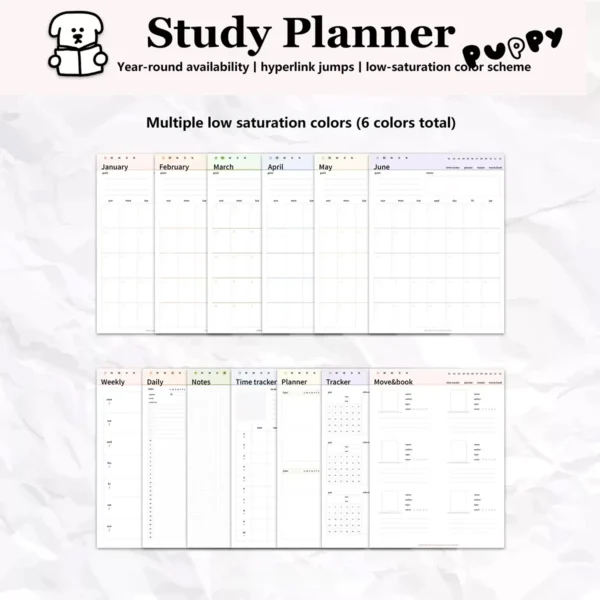
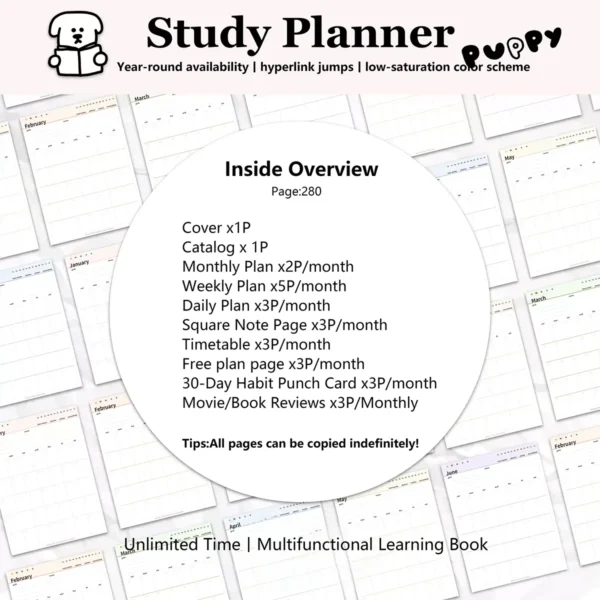
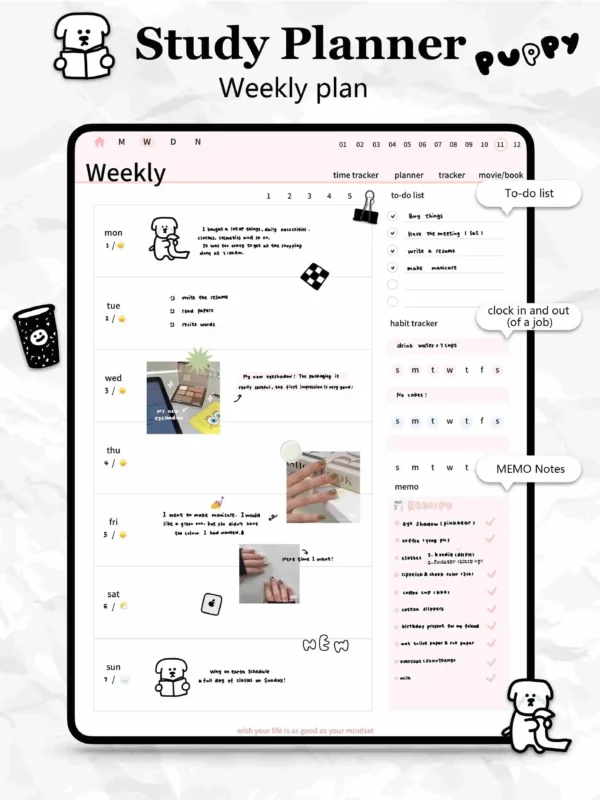
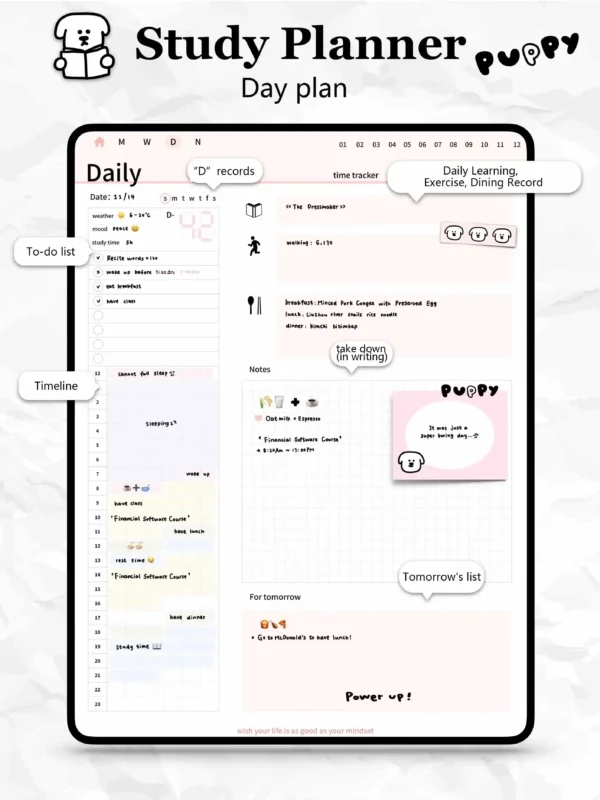
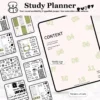
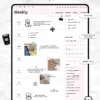
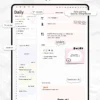
280+ Multifunctional Pages: Specialized layouts for daily, weekly, and monthly tracking included.
Aesthetic Color Coding: 6 unique, low-saturation monthly themes to keep your digital space organized.
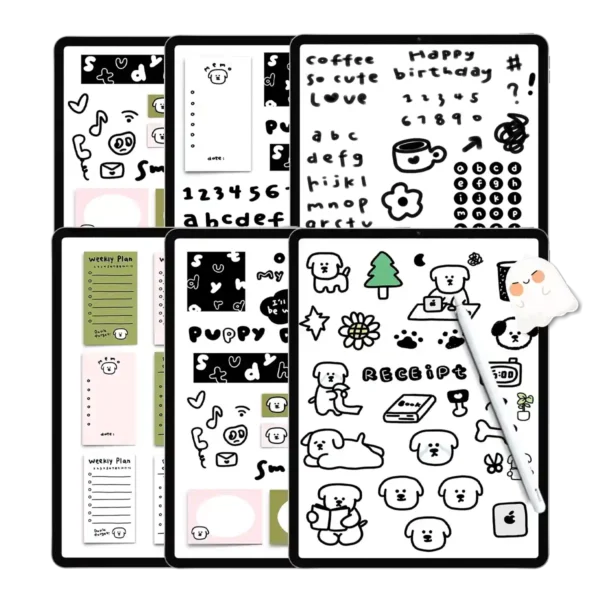
High-Resolution Digital Stickers: Includes 6 sets of free digital stickers (PNG) for creative planning.
Infinite Expandability: Every template can be copied and duplicated indefinitely within your favorite app.
Universal Software Ecosystem: Seamlessly optimized for Goodnotes, Notability, and Samsung Notes.
Optimize Your Academic Life with the Ultimate Free Goodnotes Planner
The “Study Puppy” free goodnotes planner is more than just a digital notebook; it is a comprehensive productivity ecosystem designed for the modern student. Whether you are balancing university lectures, fitness goals, or personal hobbies, this free digital planner pdf provides the structure you need without the constraints of a dated calendar.
Seamless Software Ecosystem Integration
Our engineering team has optimized the file structure to ensure it remains a no-lag PDF even after adding hundreds of images. It is fully compatible with the iPad Pro + Apple Pencil setup, offering a natural “paper-like” writing experience. This planner integrates perfectly into the Goodnotes and Notability apps, allowing for cross-device syncing so your schedule is always at your fingertips.
Expert Tips: How to Maximize Your Digital Planner
Master the Hyperlinks: To navigate, ensure you are in “Read-Only” mode in Goodnotes. Simply tap the monthly tabs on the top right to jump instantly to your target section.
Customizing with Stickers: Use the included high-resolution PNG stickers to highlight key deadlines. Pro Tip: Import them into your Goodnotes Elements tool for one-tap access.
Infinite Duplication: Need more than 5 weekly pages? Tap the “plus” icon in your app and select “Current Template” to add unlimited pages while keeping the hyperlink structure intact.
Product Specs Table
| Feature | Specification |
| File Format | Interactive PDF + High-Res PNG Stickers |
| Device Compatibility | iPad, Android Tablet, Surface Pro, Mac/PC |
| App Compatibility | Goodnotes, Notability, Samsung Notes, Noteshelf |
| Total Pages | 280+ (Infinite duplication supported) |
| Dated/Undated | Undated (Year-round availability) |
| Hyperlinks | Fully functional Month/Category tabs |
FAQ
Q: How do I import the free goodnotes planner into my iPad? A: After downloading the PDF, tap the “Share” icon and select “Open in Goodnotes.” Choose “Import as New Document.” Ensure you use the “Read-only” mode to toggle the hyperlinked tabs.
Q: Does this planner support Android or Samsung Notes? A: Yes. This free digital journal pdf is a standard interactive PDF. It works perfectly on Samsung Notes and other Android apps that support PDF annotation and internal links.
Q: Will I receive the files immediately after “purchase”? A: Absolutely. As a digital product, you will receive an instant download link on the checkout page and via email immediately after the transaction is complete.
✅Includes:
1 tutorial
1 Study puppy Year-round study book
✅Note
This product requires a compatible note-taking app, such as Goodnotes (recommended), Notability, or other apps. Please note that the app is not included with your purchase.
✅Download
After checkout(Free for a limited time), you can immediately access the file via the download link on the order confirmation page. You will also receive an email containing the download link. Please ensure that the email address used for your purchase is correct and able to receive emails.
✅Store Policy
This product is for personal use only and may not be resold or distributed. Since this product is a digital product, returns, refunds, or exchanges are not accepted. Please ensure that your shopping cart is correct before completing your purchase.




Hannah Smith –
Finally a planner that’s both elegant and completely free. I love how the muted colors make planning feel peaceful, not overwhelming. The 6 sticker sets are adorable and the undated format is super practical—already started using it for both work and personal goals
Amanda Gilmore –
So easy on the eyes, and totally free! 😍
Reviewed by Inactive –
Hyperlinks make navigation seamless
Carolina –
280+ pages for free? Unreal value
Sarah Beunen –
The muted themes help me focus better 🧠
Muhammad Fahad –
Sticker sets are so cute and versatile
Nicola Kelly –
Undated = use forever, love it! 🔄
maamebi –
Makes digital planning feel calming, not chaotic~
Brittany Foti –
Can’t believe this is free! 🙌 The 12 muted color themes are so calming and easy on the eyes during long study sessions. Hyperlinks work perfectly between weekly and monthly views, and the 280+ pages cover everything I need. Feels premium and I’ll definitely reuse it every year.
margarethathcox –
Can’t believe this is free!