
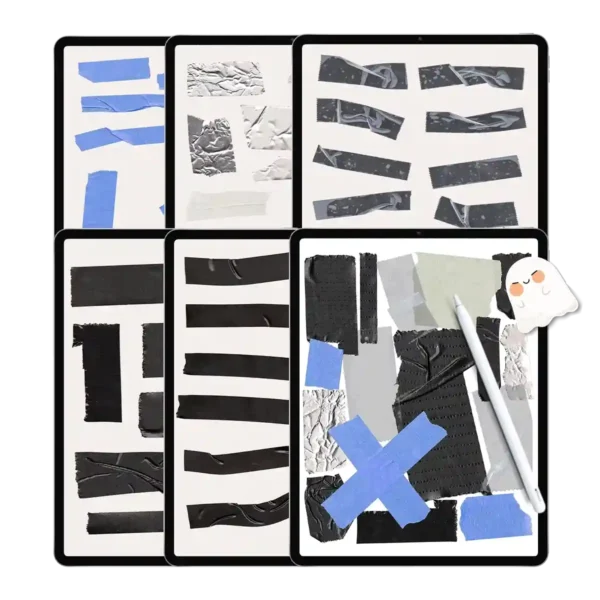
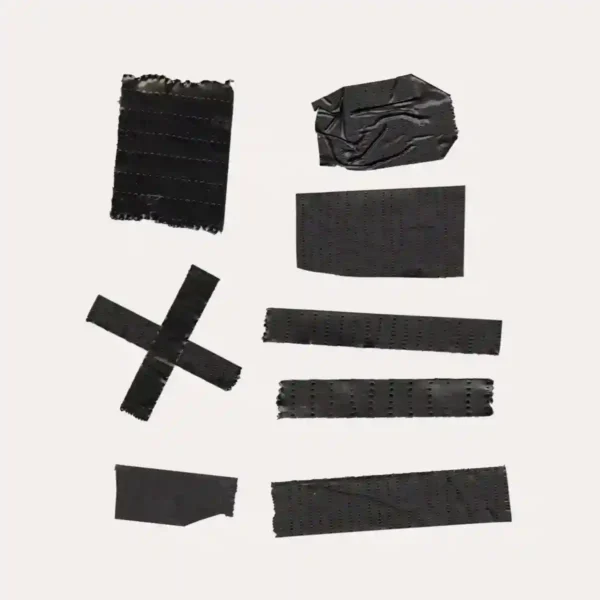
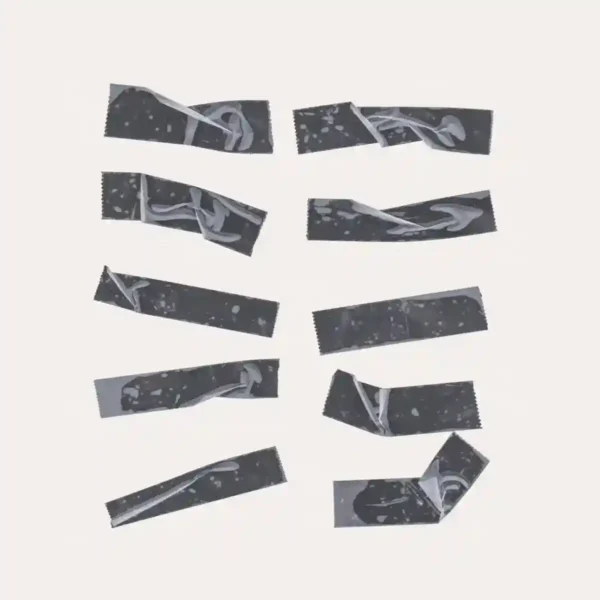
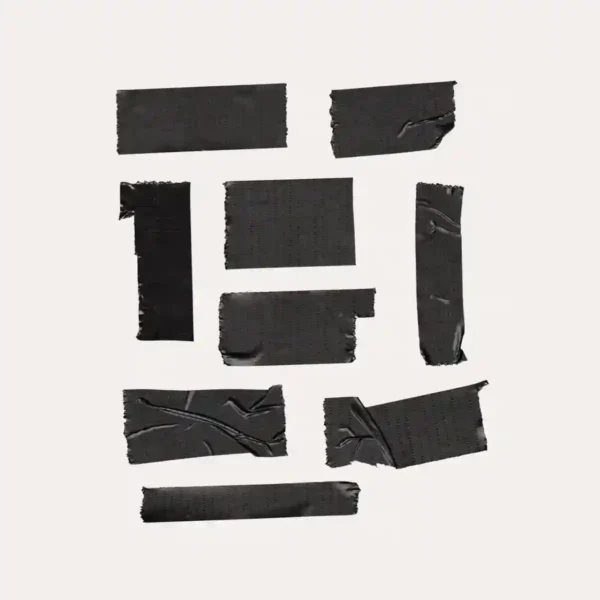

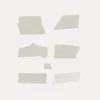
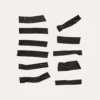
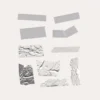
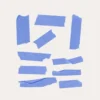
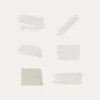
Miss the Tactile Joy of Real Washi Tape? We’ve Captured It Digitally!
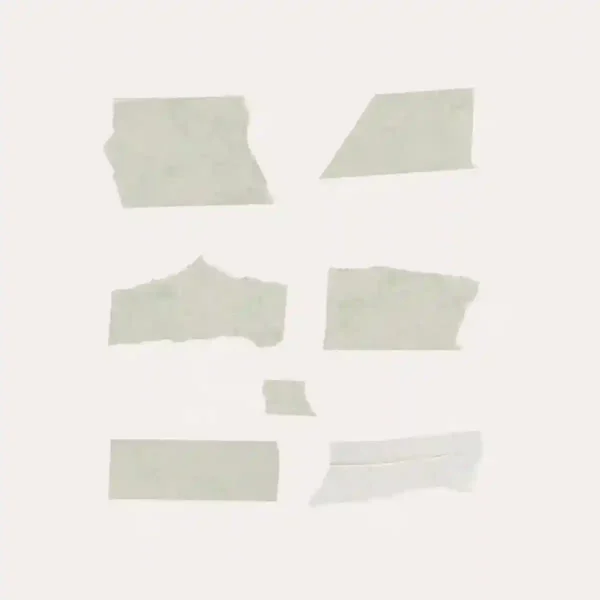
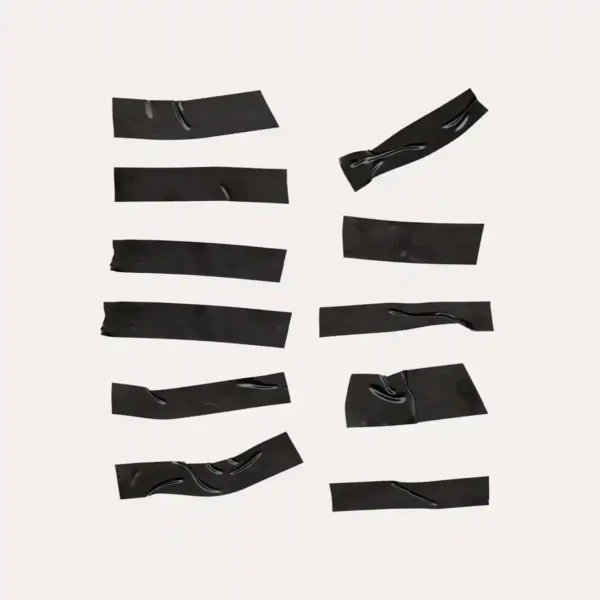
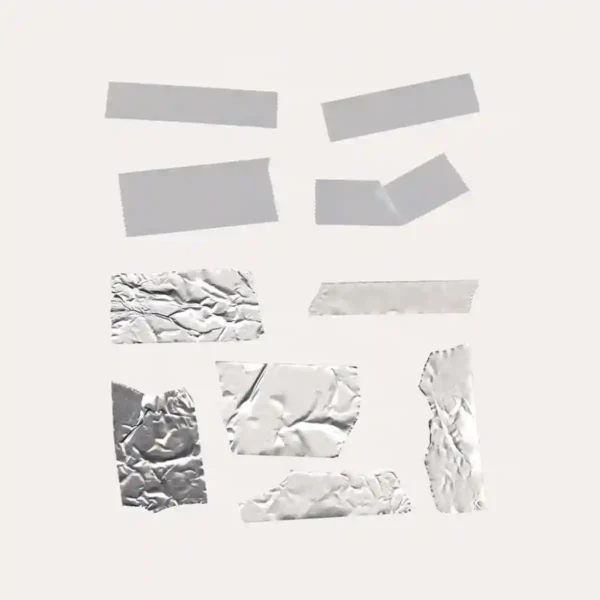
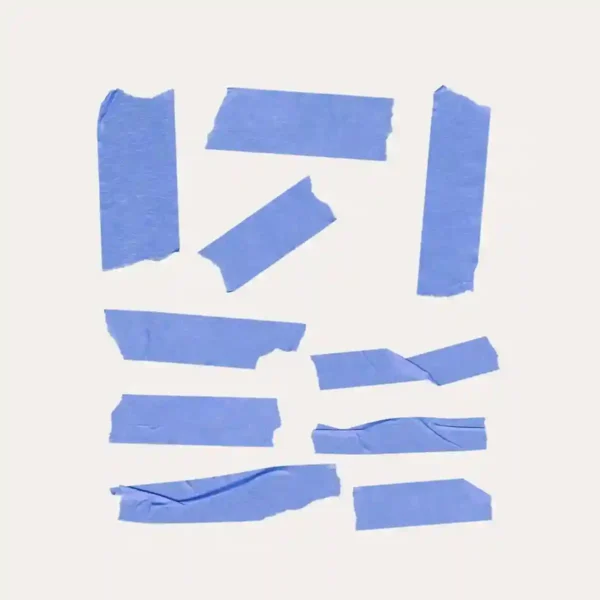
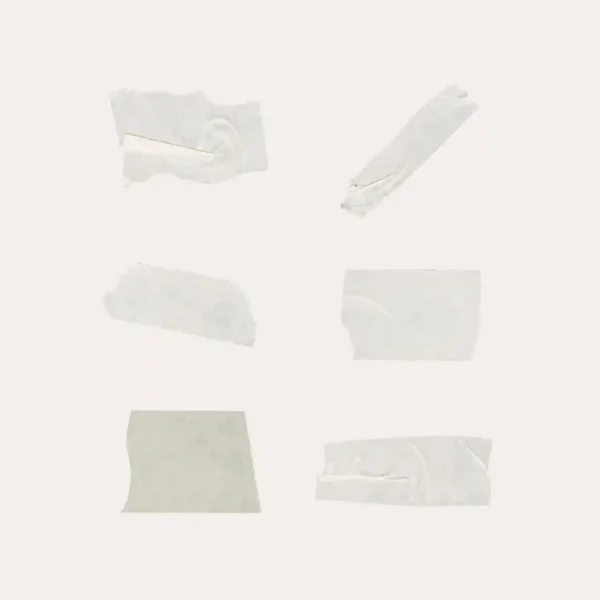
There’s something special about real washi tape – the subtle texture, the translucent quality, the way it layers beautifully on paper. We’ve recreated that exact experience digitally in this comprehensive collection of 160 realistic digital washi tape designs and functional digital planner tabs.
What makes this collection different:
• Authentically Textured: Each digital washi tape captures the unique translucency and slight imperfections of real Japanese washi tape, including kraft paper, foil finishes, and classic patterns
• Practical & Pretty: Beyond decoration, our digital planner tabs create intuitive navigation systems while maintaining that handmade aesthetic you love
• Perfectly Scaled: Every tape strip and tab is sized for realistic use in digital planners – no awkward proportions or blurry edges when resized
• Artist-Approved Quality: As stationery lovers ourselves, we tested these digital washi tape designs extensively in GoodNotes to ensure they layer, blend, and look exactly like their physical counterparts
Perfect for:
Creating section dividers with digital planner tabs
Adding subtle accents with translucent digital washi tape
Achieving that “analog planning” feel in digital format
Designers wanting realistic textures for client projects
Technical Specs:
160 high-resolution PNG files
Transparent backgrounds
True-to-life proportions
Compatible with GoodNotes, Notability, and most PDF apps
Download now and experience the perfect blend of traditional stationery charm and digital convenience!
Included Files:
After checkout, you will be redirected to a page where you can download your files. You will also be emailed with your purchased file
Upon purchase, you will be given access to (1) download dashboard PDF file.
You can download all planner options, stickers, and covers by opening this file in your web browser (Safari is recommended).
The download contains the following:
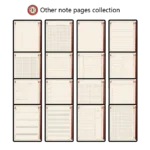
1 GoodNotes file
108 Individually cropped PNG files
Google Driver download links will be provided for all files.
To Use:
iPad & Mac
This planner is designed to work best on the iPad and can be used on all versions and sizes. To use the planner on an iPad, you will also need an accompanying note app such as GoodNotes , Noteshelf, Notability, Samsung Notes and Xodo.
The planner can also be used on an iMac or MacBook with the GoodNotes and Noteshelf apps’ desktop version.
Android/PC
This planner can be used with most Android tablets. However, since there is such a large variety of tablets, we cannot guarantee that the planner will work on all Android devices. If your device supports the Noteshelf or Xodo app, you should be able to use the planner template as well.
Have a question about using the planner? Check out our Answer Vault where we answer our most frequently asked questions.
Return Policy:
Please note that this is a digital product and no physical product will be shipped. Also, due to the irretrievable nature of digital files, all sales are final. Please review the listing thoroughly before purchase. Not sure if the product will work for you? Feel free to send any questions to hello@harrypotterplanner.com
Carrie Hammer –
These tapes look so real! 📏 The texture and shadows are amazing – they genuinely look like I taped them onto my digital planner.
R. –
160 designs and all of them are usable! I love having tabs in different colors to color-code my subjects. The blue washi tapes are perfect for marking important dates. Super easy to drag and drop in GoodNotes~~~~~~
Michelle M –
Instant planner upgrade – love the realistic touch 🌈
Reviewed by Inactive –
Perfect for adding realism without the mess