




What’s Inside This Productivity Suite
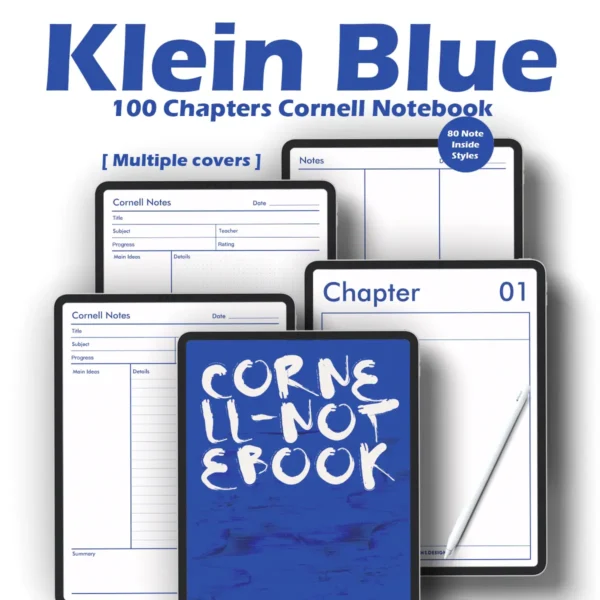
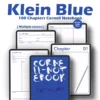
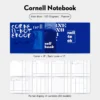
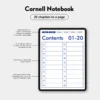
100-Chapter Smart Indexing: Navigate thousands of pages instantly with a high-performance, no-lag PDF hyperlinked system.
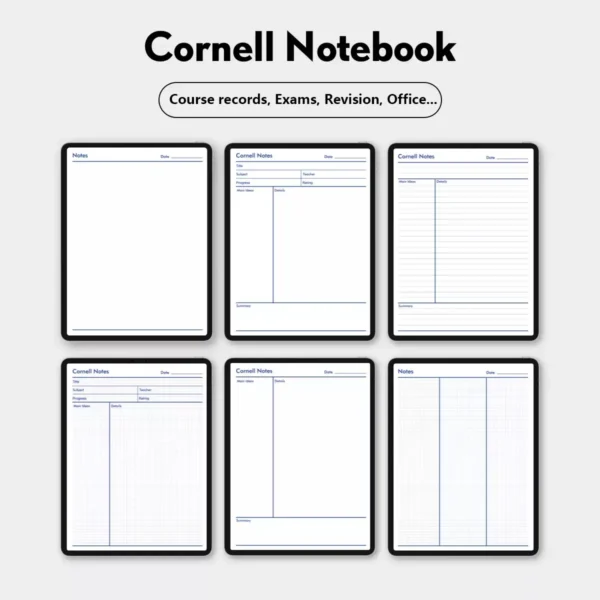
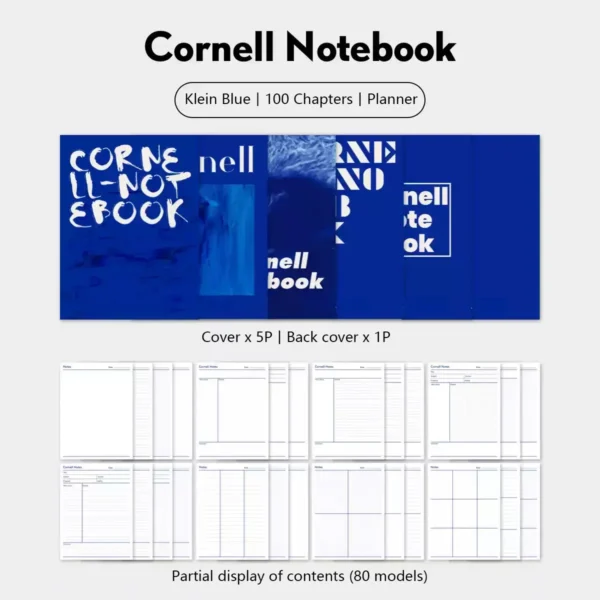
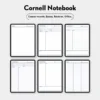
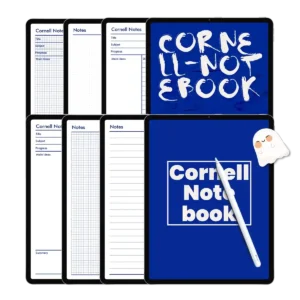
80 Specialized Paper Styles: From dotted paper template goodnotes to horizontal lines and Cornell layouts—customized for course records, exams, and office tasks.
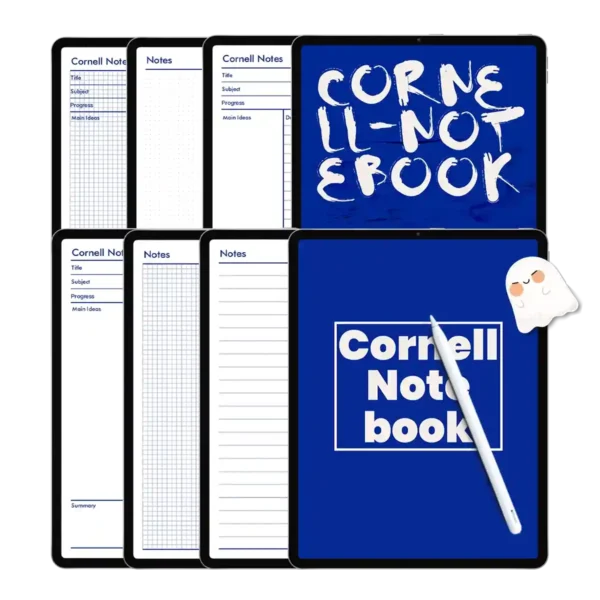
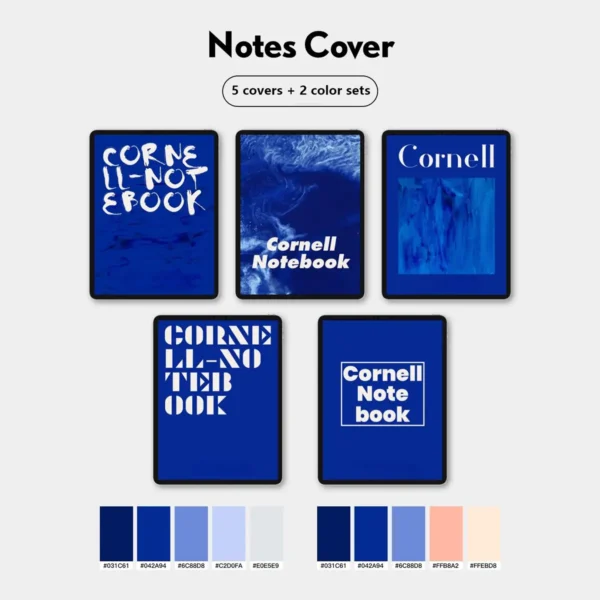
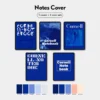
Professional Klein Blue Aesthetic: Includes 5 premium covers and 2 sophisticated color sets for a personalized notebook cover experience.
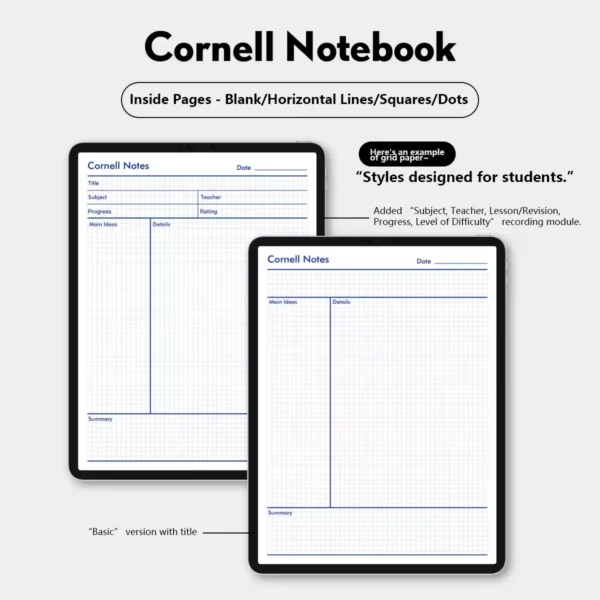
Academic-Focused Layouts: Specifically designed goodnotes study planner template elements for tracking subjects, teachers, and revision progress.
126 Digital Memo Stickers: Enhance your goodnotes journal template with a massive collection of hand-drawn digital notes and icons.
Elevate Your Study Game with the Ultimate Digital Planner Template
If you’ve ever wondered what is a digital notebook and how it can change your life, look no further. Transitioning from paper to a digital planner template isn’t just about saving trees; it’s about the power of instant retrieval. Our Klein Blue Cornell Notebook is engineered for those who deal with massive amounts of information. With 100 dedicated chapters, you never have to worry about running out of space or losing a critical lecture note again.
The Science of the Cornell Method Meets Goodnotes 6 Templates
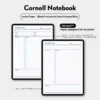
Why settle for a basic goodnote template when you can use a scientifically proven system? The Cornell note-taking method is built into the DNA of this planner. By using our goodnotes note taking templates, you can easily separate your main notes from cues and summaries. This structure is essential for active recall and long-term retention, making it the perfect goodnotes study planner template for med students, law students, and researchers.
Versatility for Every Style: From Dotted to Grid
We know that every subject requires a different approach. That’s why we’ve included 80 different page styles. Need a dotted paper template goodnotes for quick diagrams? Or perhaps a weekly planner template goodnotes for your exam countdown? It’s all here. Instead of searching for how to make goodnotes templates or wasting hours figuring out how to create a digital planner, we’ve done the heavy lifting for you. This is a full focus planner digital experience that lets you start writing the second you download it.
Seamless Software Ecosystem & Device Integration
This notebook is fully optimized for the modern Software Ecosystem. While it is a premier goodnotes digital planner, it works flawlessly across Notability, Samsung Notes, and Noteshelf. We’ve utilized advanced PDF compression to ensure a Zero-Lag Promise. Even with 100 chapters and hundreds of high-resolution pages, your digital planner ipad will remain snappy and responsive, even when using the most intensive features of Goodnotes 6 templates.
Expert Tips: Navigating Your 100-Chapter Empire
To get the most out of your new planner template goodnotes, try these pro workflows:
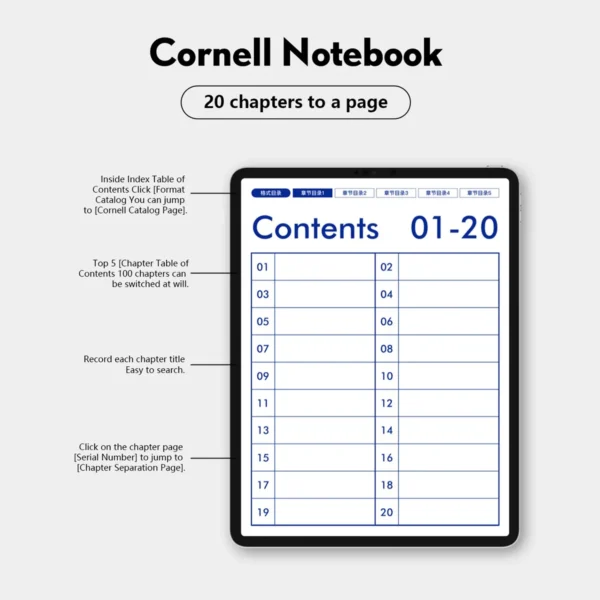
The Master Index Hack: Tap the “Cornell Notes” icon in the top left corner to jump back to the Master Catalog instantly. This is your “Home” button for the entire system.
Sectional Switcher: Use the 5 format toggles at the top of any page to switch between 80 different layouts for that specific chapter. This allows you to have a blank page, a grid page, and a Cornell page all within the same chapter.
Topic Tracking: Use the 20-chapter-per-page index to record specific lecture titles. This creates a “Searchable Contents” page that makes exam revision 10x faster.
Sticker Layering: Drag and drop the 126 included stickers from your “Elements” tool to highlight “Teacher’s Tips” or “Exam Priority” on your Cornell sheets.
Product Specs Table
| Feature | Specification |
| File Format | Hyperlinked PDF (Optimized for Goodnotes) |
| Total Chapters | 100 Individually Hyperlinked Sections |
| Paper Styles | 80 Styles (Cornell, Dotted, Grid, Lined, Blank) |
| App Compatibility | Goodnotes 6, Notability, Samsung Notes, Noteshelf |
| Device Compatibility | iPad Pro, iPad Air, Android Tablets, Surface Pro |
| Included Extras | 5 Covers, 2 Color Sets, 126 Digital Stickers |
| Dating | Undated – Reusable Year-Round |
FAQ
Q: How do I import this digital planner template into Goodnotes? A: After purchase, download the PDF file. Open Goodnotes, tap “New,” and select “Import.” Choose your Klein Blue file, and your goodnotes paper templates will be ready to use immediately.
Q: Can I add more pages to a specific chapter? A: Yes! You can duplicate any of the 80 page styles as many times as you want within a chapter. The hyperlinks will continue to work perfectly, ensuring a seamless goodnotes digital planner experience.
Q: Is this notebook compatible with Samsung Notes? A: Absolutely. This is a universal PDF file. It serves as a high-quality note book cover and internal template for Samsung Notes, Notability, and most PDF annotation apps.
👩🎓Includes:
2 sets of color references
1 sticker collection PNG file
1 Cornell notebook
👩🎓Note
This product requires a compatible note-taking app, such as Goodnotes (recommended), Notability, or other apps. Please note that the app is not included with your purchase.
👩🎓Download
After checkout, you can immediately access the file via the download link on the order confirmation page. You will also receive an email containing the download link. Please ensure that the email address used for your purchase is correct and able to receive emails.
👩🎓Store Policy
This product is for personal use only and may not be resold or distributed. Since this product is a digital product, returns, refunds, or exchanges are not accepted. Please ensure that your shopping cart is correct before completing your purchase.



Rhonda Caris –
If you like the Cornell method but need a life planner too, this is it.
Morgan Vaughan –
The sticky notes are a nice bonus
Yui Mekhail –
The Klein Blue is such a standout color—not the usual boring planner shade. It feels fresh and motivates me to actually open and use it every day!
Tobi Acklen –
Perfect for visual organizers!!
ABDELLAH LHADRI –
I love writing in the Cornell columns on my iPad, and having my schedule right there saves so much time🤎
Ytcheung –
The 80+ templates mean I never run out of layouts ~
Nakeisha McCoo –
As a student who also works part-time, this planner keeps me sane. I can take notes in Cornell style and then flip right to my weekly schedule. The hyperlinks work like a charm💖💖💖
Becky –
The blue design is both professional and pretty👍🏻
Justine Fana –
I use the 100+ sections for different classes, and the sticky notes are perfect for quick reminders. So intuitive✍🏻👏🏼
Hey –
The Klein Blue color is so calming, and the weekly planning pages help me balance study with life.
Chrysten –
As a student, the 100+ sections keep all my subjects perfectly organized. The dedicated areas for summary and keywords make reviewing so much faster. The Klein blue color is also uniquely motivating.