
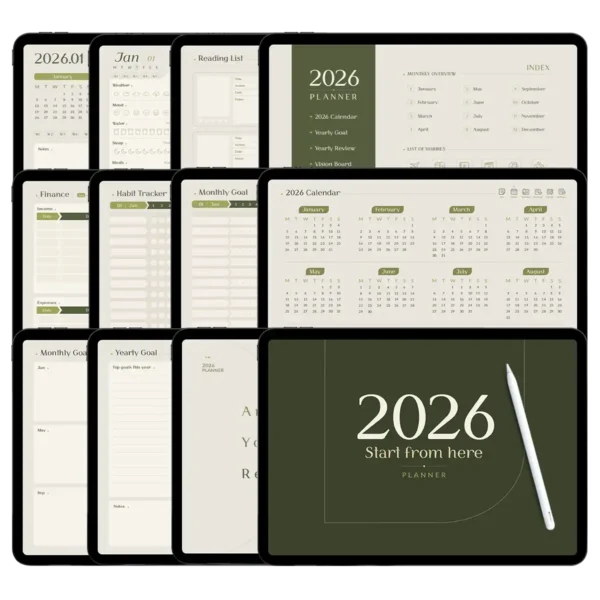
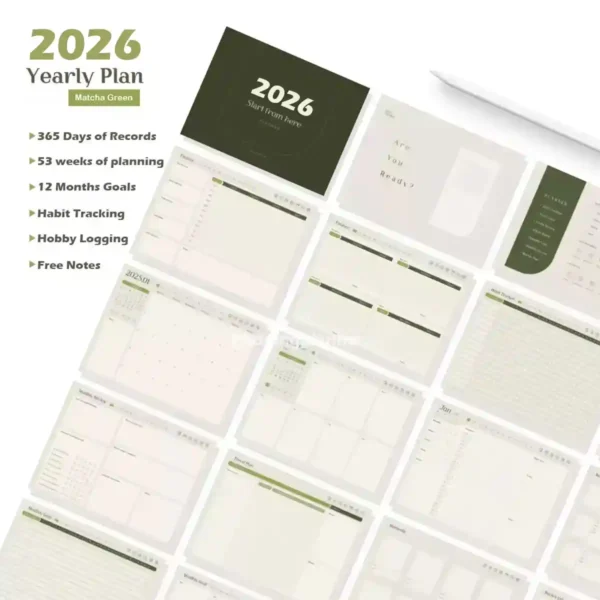
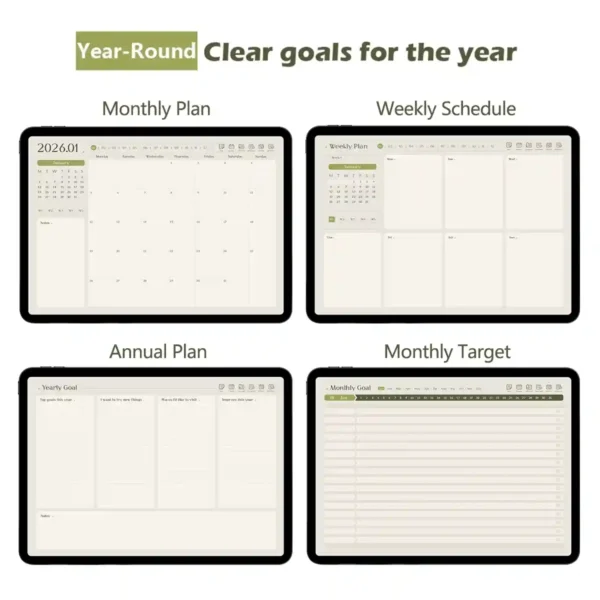
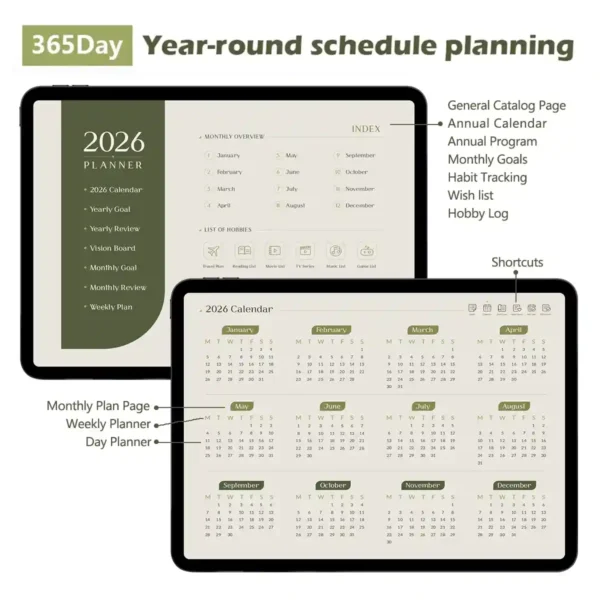
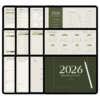
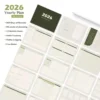
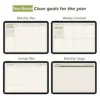
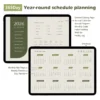
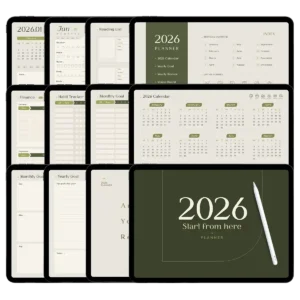
Interactive Features
Massive Hyperlink Map: Over 500+ pages connected via a zero-lag navigation system, allowing you to jump from a yearly view to a specific daily schedule in one tap.
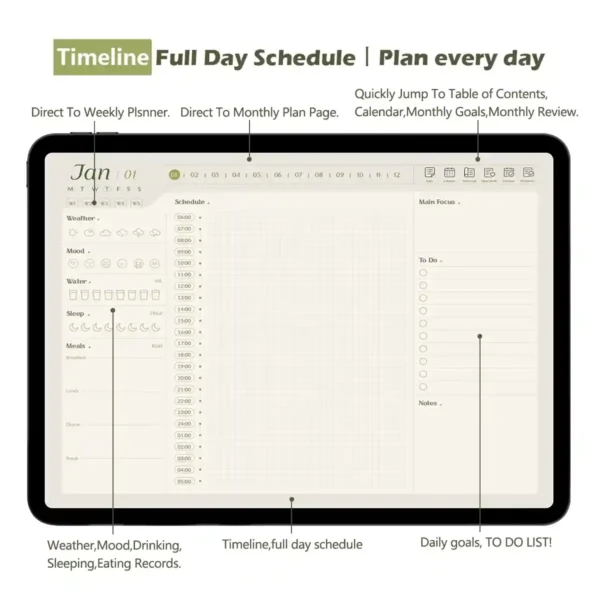
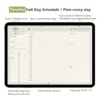
Precision Time Blocking: A dedicated time blocking planner layout for every single day of the year, perfect for managing complex schedules.
Integrated Habit Tracking: Includes 13 specialized planner with habit tracker pages to monitor your progress from January through December.
High-Resolution Assets: Comes with 6 sets of High-resolution PNG stickers and pre-cropped Goodnotes files for aesthetic personalization.
Advanced Paper Simulation: “Super-Sensing” digital paper tech that mimics the friction of high-end stationery without the lag.
Multi-App Ecosystem: Fully compatible with Goodnotes, Notability, Noteshelf, and Samsung Notes for cross-platform planning.
Digital calendar planner 2026: Your 505-Page Matcha Green Roadmap to Mastery
Let’s be honest: most digital planners feel like a cluttered mess of static PDFs. We’ve all been there—trying to navigate a 500-page document that lags every time you try to check your schedule. That’s why we engineered the Digital Calendar Planner: 2026 Matcha Green Edition from the ground up to be the most responsive, intuitive, and aesthetically soothing productivity tool in your digital arsenal. Whether you’re a university student tracking modular credits or a corporate leader managing a quarterly planner cycle, this system is built to handle the complexity of modern life without the friction.
The Psychology of Matcha Green & Minimalist Productivity
Why Matcha Green? Beyond being a “Study-gram” favorite, green is psychologically proven to reduce stress and improve focus. Our minimalist planner aesthetic is intentional; we’ve stripped away the visual clutter of traditional paper planners, leaving you with a clean, high-definition canvas that respects your mental clarity. This digital calendar planner isn’t just about recording dates—it’s about creating a ritual of calm every morning when you pick up your Apple Pencil.
A Technical Masterpiece: 505 Pages, Zero Lag
One of the biggest pain points in the digital stationery world is file size versus performance. We have optimized every one of the 505 pages in this 2026 edition. By utilizing advanced vector-based PDF compression, we ensure that your time blocking planner snaps open instantly.
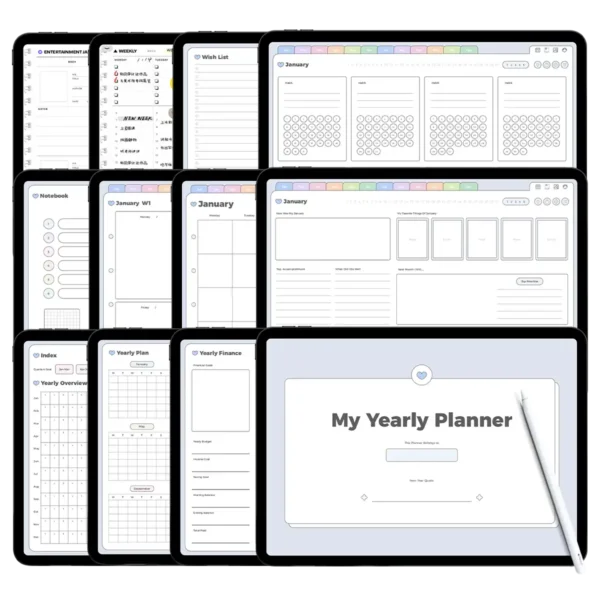
The Master Index: Located at the start of the book, this “Control Center” links you to every single sub-section—from your 2026 vision board to your year-end review.
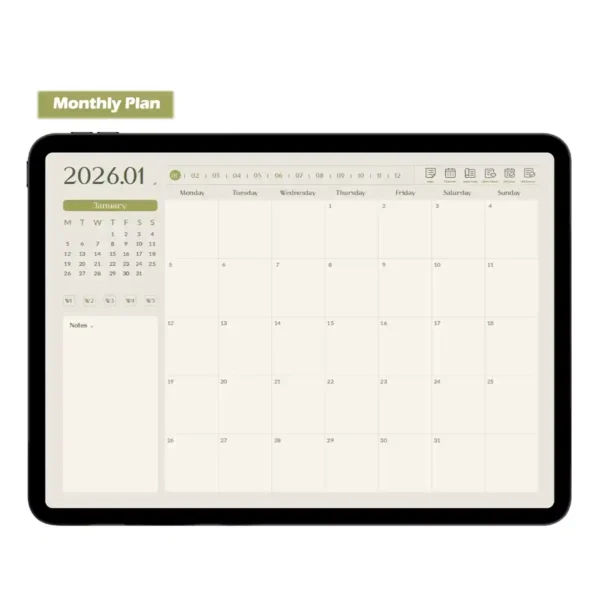
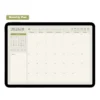
Seamless Daily Jumps: Unlike cheaper templates, our tabs are “smart.” You can leap from a monthly overview directly into a daily schedule for July 14th with a single tap, then jump back to your habit tracker just as quickly.
Life Beyond the To-Do List: Tracking What Matters
Most planners focus on tasks; we focus on the person. We’ve integrated 13 dedicated planner with habit tracker pages because we know that consistency is the foundation of success. But we didn’t stop there.
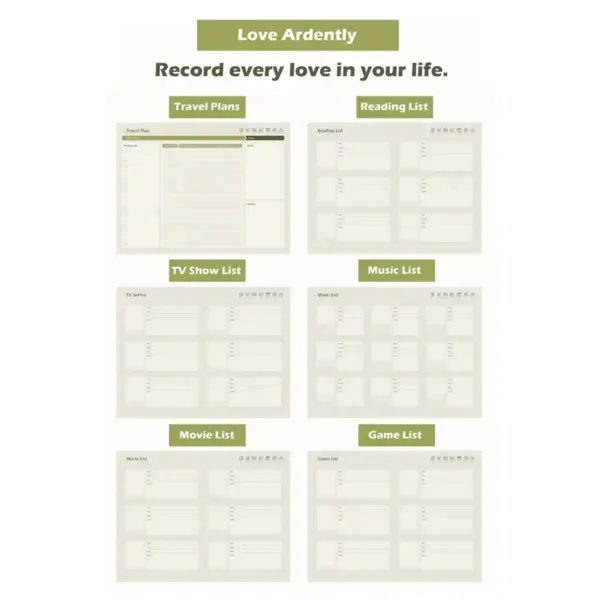
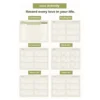
The Hobbyist Suite: We included specialized logs for your reading lists, travel plans, and even a “Moment Record” page to capture the tiny highlights of your year.
Financial Mastery: 13 monthly budget and expense trackers ensure that your financial health is managed alongside your professional goals.
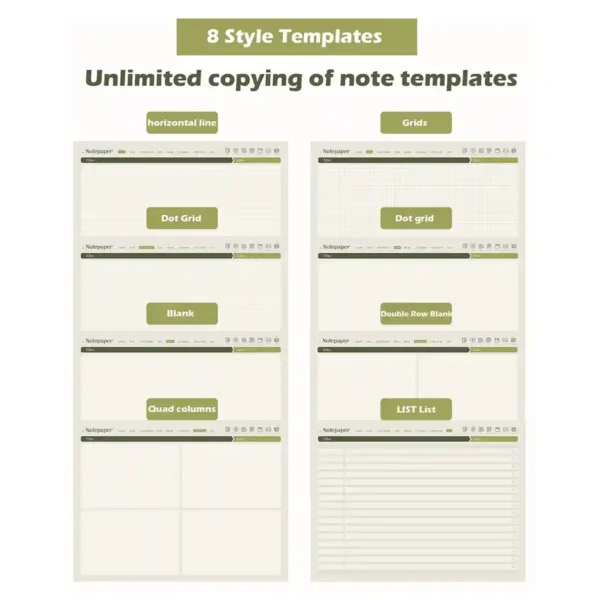
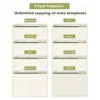
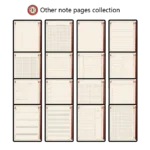
Infinite Note Templates: With 8 distinct paper styles—from Cornell notes for academic excellence to grid layouts for creative mind-mapping—you can duplicate these pages infinitely within Goodnotes, meaning you will never “run out” of space.
Ecosystem Integration: Designed for iPad Pro and Beyond
This digital calendar planner is optimized for the iPad Pro and Apple Pencil, but its technical versatility makes it a powerhouse on any high-end tablet.
Goodnotes & Notability: Full support for the latest versions (Goodnotes 6 ready), including pre-cropped sticker imports.
Samsung Notes & Android: Using a Galaxy Tab? Our hyperlinks are fully functional on Samsung Notes and Xodo, making this the perfect planner for sale for the cross-platform professional.
Expert Tips for Digital Planning Excellence
From the Designer’s Desk: To maximize your efficiency, I always recommend using the “Split View” feature on your iPad. Open your digital calendar planner on one side and your sticker pack on the other. You can effortlessly drag-and-drop our custom Matcha Green stickers to highlight important deadlines.
Navigation Pro-Tip: Don’t forget the “Hidden Icons.” The icons for weather, mood, and water intake on your daily pages are not just for decoration—in many of our specialized layouts, they serve as quick-return buttons to your Monthly Review. Always ensure your note-taking app is in “Read-Only” mode when you want to utilize the hyperlinked navigation; it’s the most common “troubleshooting” fix for new users!
Why Choose the 2026 Matcha Green Edition?
In a world of endless notifications, your digital calendar planner should be a sanctuary. This 505-page system offers the perfect blend of high-tech functionality and old-school stationery charm. It’s an investment in your 2026 self—providing the structure you need to achieve your goals and the flexibility you need to enjoy the journey.
Product Specs Table
| Feature | Specifications |
| Primary Keyword | Digital Calendar Planner |
| Total Page Count | 505 Fully Hyperlinked Pages |
| File Format | Interactive PDF, Goodnotes file, PNG Sticker Packs |
| Device Compatibility | iPad Pro/Air, Samsung Tab, Surface Pro |
| App Compatibility | Goodnotes 5/6, Notability, Samsung Notes, Xodo |
| Included Extras | 6 Sets of Digital Stickers + Import Tutorial |
| Dated/Undated | Fully Dated for 2026 |
FAQ
Q: How do I import the planner into Goodnotes or Notability? A: You can import the planner by downloading the file to your iPad and selecting “Open in Goodnotes” or using the “Import” button within the app. Each purchase includes a step-by-step video and PDF tutorial to guide you through the 1-minute setup.
Q: Does this digital calendar planner support Android devices? A: Yes, this planner is fully compatible with Android tablets. We recommend using Samsung Notes or Xodo to ensure the hyperlinked navigation functions smoothly on your device.
Q: Will I receive the files immediately after payment? A: You will receive an instant download link on the checkout page and via email immediately after purchase. There is no waiting time; you can start planning your 2026 goals in seconds.
Includes:
【Tutorial】Import and hyperlink x1
【Materials】Planner stickers x1
【Activity】Sticker pack x1
2026Planner Matcha Green x1
Important Note:
This is a digital product. After checkout, you will receive an email containing a secure link to download the files you purchased. Please ensure the email address used for purchase is correct and can receive emails. This GoodNotes digital note-taking set does not include the original note-taking app (e.g., GoodNotes, Notability, etc.). It also does not include any physical products, such as an iPad or Apple Pencil.
Due to differences in displays and web browsing devices, the colors displayed on your screen may vary slightly from the images shown on this page.
Store Policy
Due to the nature of digital products, we do not accept returns, refunds, or exchanges. Please review your cart carefully before purchasing. Click here to read the full policy.



Judyta Ossowska –
This matcha color is so soothing 🤞
Brianna Valente-Fowler –
Simple! beautiful! functional!
Chelsia Botts –
Helped me organize everything from work goals to travel dreams. The 505 pages sounded overwhelming but it’s so well structured — I never get lost.
Sharon Mohammed –
A planner that actually adapts to my life
Bianca –
If you love matcha, you’ll love this planner~
Kate –
More than just a calendar, really. I use the trackers for mood, water, and even side projects.
Feels like a life dashboard in the prettiest shade of green
Stephanie –
The sticker sets are so cute and match the vibe perfectly.
I’ve tried a lot of digital planners, but this one just feels more intentional. Definitely my favorite find this year!!
Sign in with Apple user –
The 53 weekly spreads keep my deadlines visible, and the matcha green is easy on the eyes during long study nights❤️
Debi Doherty –
Bought this for 2026 but started using it right away.😃 Love that it’s undated so I’m not wasting pages. The goal-tracking sections are super motivating
Jalia Coins –
Finally, a planner that stays simple and actually works☝🏻
Kathy Rash –
I expected it to feel overwhelming, but the intuitive navigation makes it effortless to use. I especially love the dedicated hobby and wishlist sections—it actually helps me balance productivity with personal joy.
Dannisha Hodge –
I’ve tried many planners, but the comprehensive structure here—from annual overviews to weekly tracking—keeps my research and deadlines perfectly organized. The matcha green is so soothing during long writing sessions. Truly an all-in-one system.
Jessica Francis –
Finally a planner that helps me actually track habits long-term :)
Alice C –
I appreciate how this planner blends function with a soothing aesthetic. The hyperlinked sections make it easy to move between yearly goals and daily tasks, and the weekly spreads are perfect for keeping everything on track.