
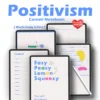
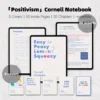

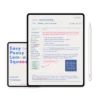
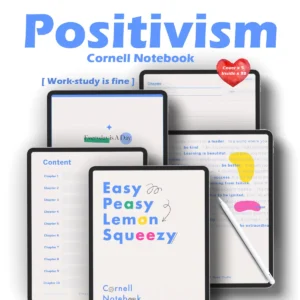
Professional Study Features
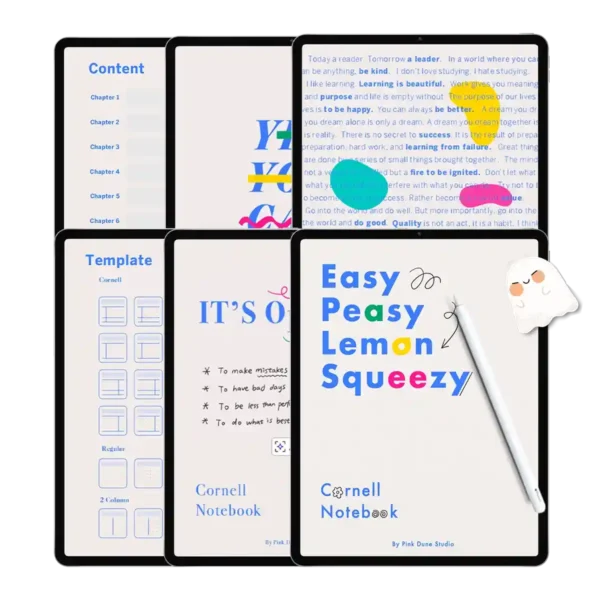
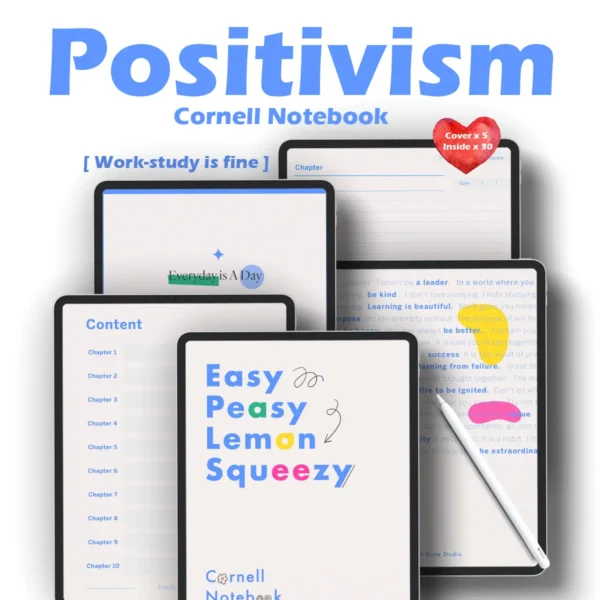
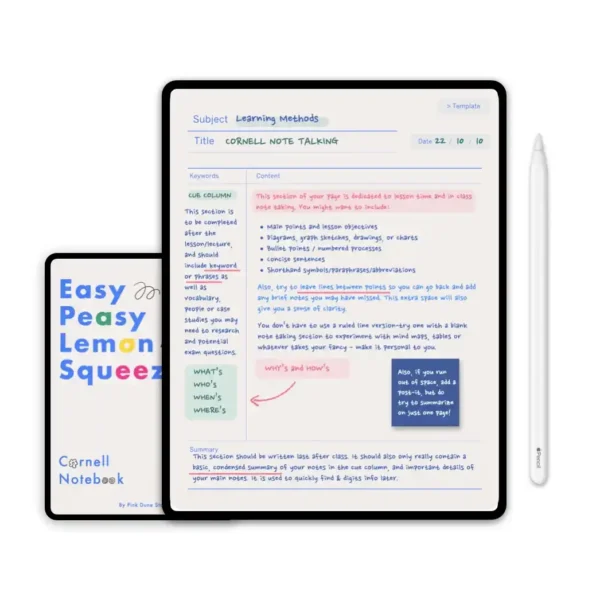
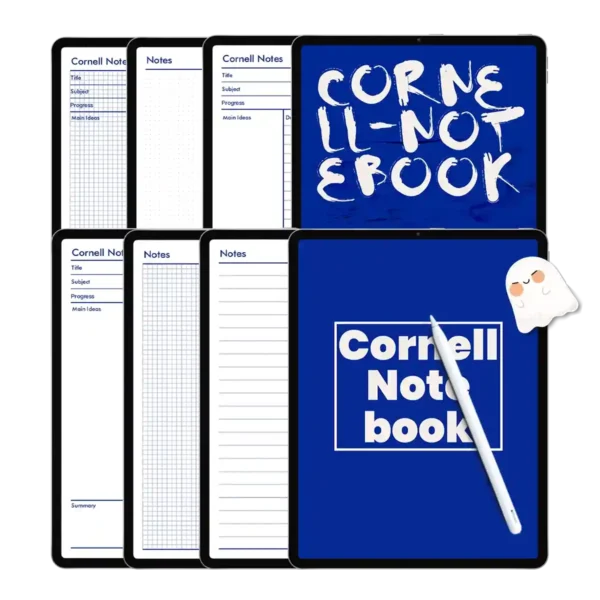
Scientifically Structured Cornell Layouts: Perfect for the cornell note taking system pdf approach, including cues, notes, and summary sections.
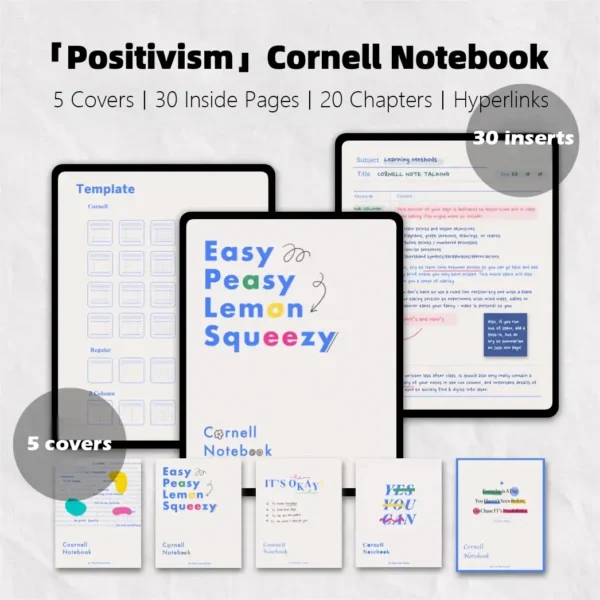
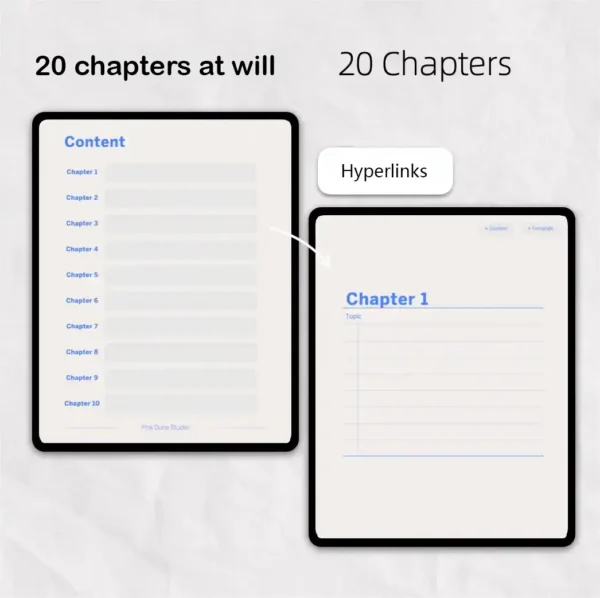
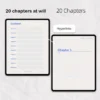
Instant Hyperlinked Navigation: Jump between 20 chapters and 30 internal templates with a single tap—no more endless scrolling.
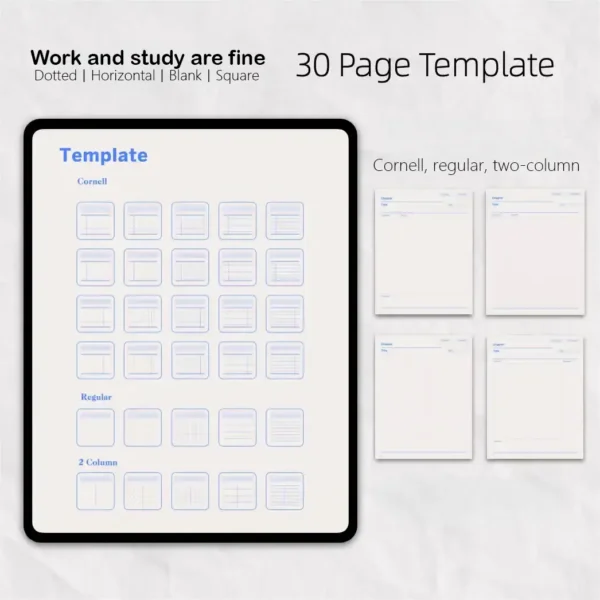
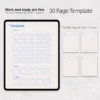
30 High-Definition Templates: Choose from cornell note taking pdf styles, dual-column layouts, grid, dotted, and blank pages.
Optimized Eye-Care Backgrounds: Paper-textured backgrounds designed to reduce eye strain during long study sessions.
Full Software Ecosystem Support: Perfectly optimized for Goodnotes, Notability, Samsung Notes, and Noteshelf.
AVID Ready System: Built to meet the requirements of an avid cornell notes pdf workflow, ideal for college and high school success.
Master Your Productivity with the “Positivism” Cornell Notes PDF
Why do the world’s most successful students swear by the cornell note template? It’s because it forces the brain to process information rather than just transcribe it. Our “Positivism” Digital Notebook takes this classic method and evolves it for the 21st century. If you’ve been searching for a cornell note format pdf that actually fits your aesthetic and your workflow, this 20-chapter powerhouse is designed for you.
The Science Behind the Cornell System Notes
When using the cornell system notes method, you divide your page into three sections: Cues, Notes, and Summary. This creates a built-in review system. Our cornell note taking pdf templates are precisely calibrated to these proportions. But we didn’t stop there. We realized that modern learners need more than one style. That’s why we included 30 different page variations, including weekly planner template goodnotes styles for managing your study schedule and templates for goodnotes that cover everything from math grids to creative brainstorming.
Built for the AVID Academic Workflow
For students in the AVID program, having a reliable avid cornell notes pdf is essential. Our notebook provides the structure needed for high-level inquiry and critical thinking. The cornell notes avid pdf structure within our “Positivism” notebook ensures you have the space to engage deeply with complex material. Whether you are using an iPad Pro with an Apple Pencil or a Samsung Galaxy Tab, the cornell notes template pdf responds beautifully to digital ink.
Seamless Digital Integration & No-Lag Performance
We know the frustration of a heavy, lagging file. Our “Positivism” cornell notes pdf is optimized at 9.6MB for 75 high-resolution pages. This ensures a Zero-Lag Promise, even when you have hundreds of handwritten notes and goodnotes journal template stickers imported. It integrates perfectly into your Software Ecosystem, moving effortlessly between Goodnotes, Notability, and Samsung Notes.
Expert Tips: Maximizing Your Digital Cornell Experience
The Power of Hyperlinked Chapters: Use the 20 hyperlinked chapters to categorize your subjects. Tap the chapter tab to go to the index, and then jump directly to your specific lecture. It’s much faster than a physical binder.
Switching Templates Mid-Chapter: In a digital environment, you aren’t stuck with one page style. If you’re in a math lecture, use the grid cornell note taking system pdf page. If the next class is history, simply duplicate a lined template digital page and move it into that chapter.
How to Import Your Free Stickers: We’ve included a digital sticker gift! To use them, open the PNG file in a split-screen view on your iPad, then drag and drop them directly onto your cornell notes pdf pages to highlight key cues or exam dates.
| Feature | Specification |
| File Format | Hyperlinked, High-Resolution PDF |
| Page Count | 75 Optimized Pages |
| Templates Included | 30 Styles (Cornell, 2-Column, Grid, etc.) |
| Organization | 20 Hyperlinked Chapters + Index |
| App Compatibility | Goodnotes (5/6), Notability, Samsung Notes |
| Device Compatibility | iPad, Android Tablets, Surface Pro |
| File Size | 9.6 MB (Zero-Lag Optimized) |
FAQ
Q: How do I import the Cornell notes PDF into Goodnotes or Notability? A: You can import the file in seconds. After purchase, download the PDF, tap the “Share” icon on your iPad, and select “Open in Goodnotes” or “Notability” to start your cornell note taking system pdf journey immediately.
Q: Does this work on Android tablets like the Samsung Galaxy Tab? A: Yes, it is fully compatible. You can use this cornell notes template pdf in Samsung Notes or Noteshelf on any Android device that supports PDF annotation.
Q: How do I receive my free gift stickers? A: Your stickers are included in the download package. You will receive a separate file containing the digital stickers, which you can use to decorate your goodnotes journal template pages or highlight your notes.
✅Includes:
Digital sticker gift x1
Upgraded 30-page Positive Cornell Notebook x1
Replacement cover | Positive Cornell x1
✅Note
This product requires a compatible note-taking app, such as Goodnotes (recommended), Notability, or other apps. Please note that the app is not included with your purchase.
✅Download
After checkout, you can immediately access the file via the download link on the order confirmation page. You will also receive an email containing the download link. Please ensure that the email address used for your purchase is correct and able to receive emails.
✅Store Policy
This product is for personal use only and may not be resold or distributed. Since this product is a digital product, returns, refunds, or exchanges are not accepted. Please ensure that your shopping cart is correct before completing your purchase.

Marie Ross –
Worth every penny for serious students. 🎓 The 30 layouts cover everything from science classes to meeting notes. I love that it works across GoodNotes and Notability, and the eye-comfort backgrounds really reduce strain during long study sessions
Brittany Asselin –
Finally my notes look clean and professional
Samantha 🧠 –
Dual-column design keeps my thoughts organized!
Gissel Perez –
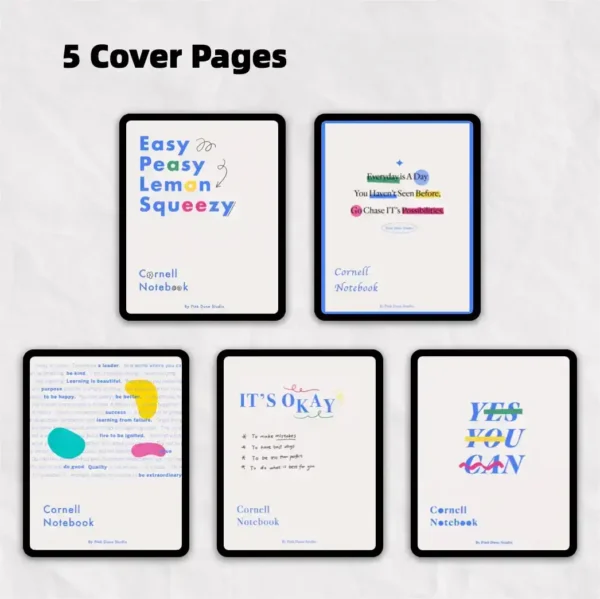
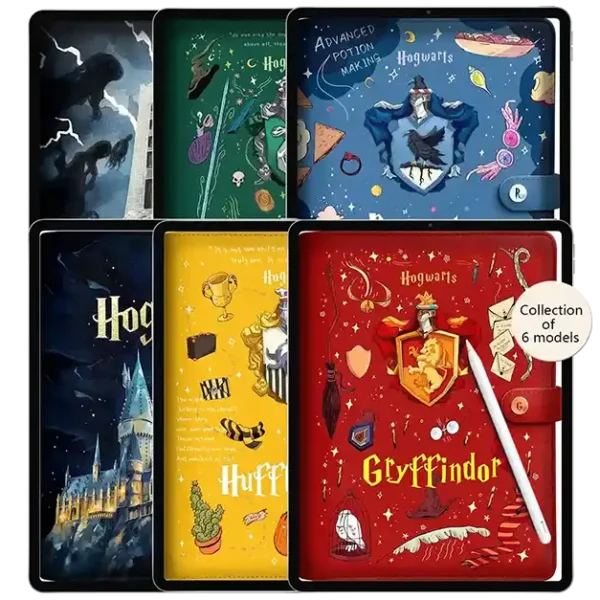
The 5 covers are all so elegant🌸
Keri Attaway –
Perfect for revising before exams~~~~~~~~~~~~~~~~~~~~~~~~~~!!!!!!!!!!!!!!!!!!!!!!!!!!!!
Nikki Hopkins –
Hyperlinks save me so much time
Reviewed by Inactive –
Clean, simple, and super functional 💙
Roxanne Ponds –
This template totally changed how I study! The Cornell layout helps me organize lecture notes so much better—summary section at the bottom is a game changer. Hyperlinks make it easy to jump between subjects, and the paper-like texture feels so real when writing with my Apple Pencil📚
Janet Grant –
The Cornell layout really helps me summarize key points after lectures. The hyperlinks between sections are a total time-saver!