

Elevate Your Workflow: High-Performance Features
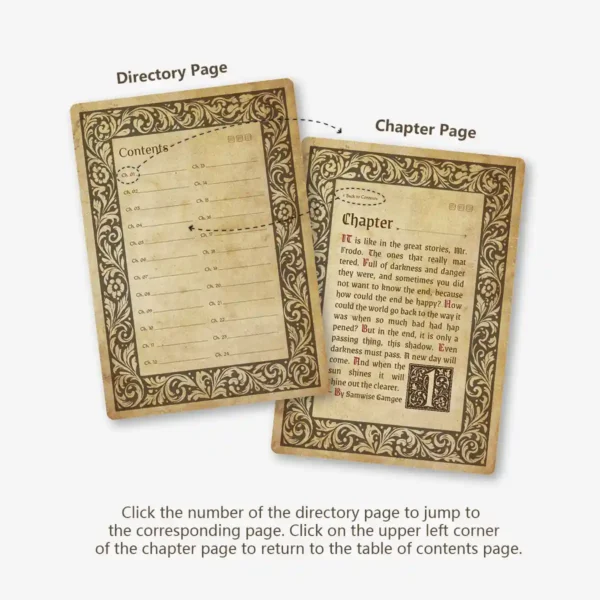
Ultra-Responsive Hyperlinked Navigation: Jump between 24 exquisite chapter dividers and the index instantly with our zero-lag PDF technology.
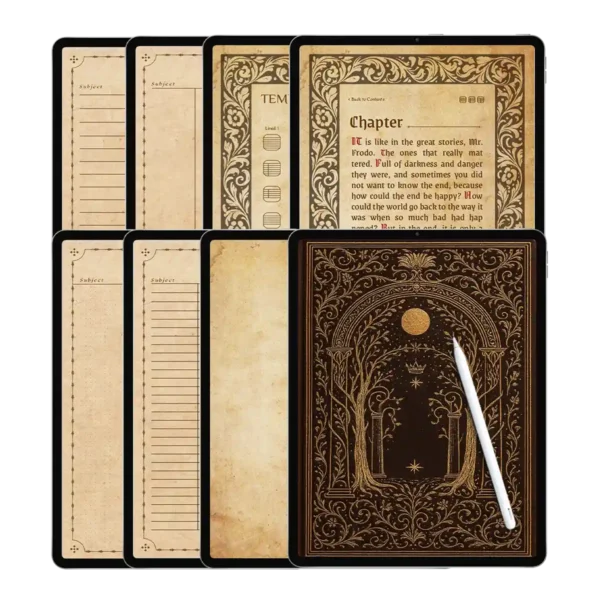
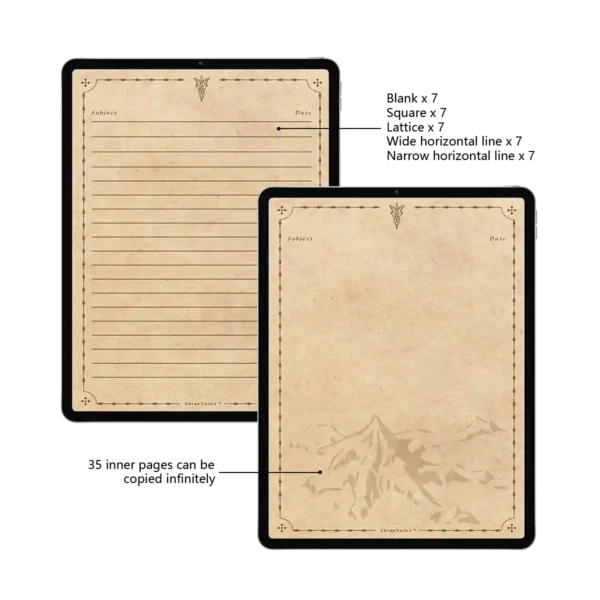
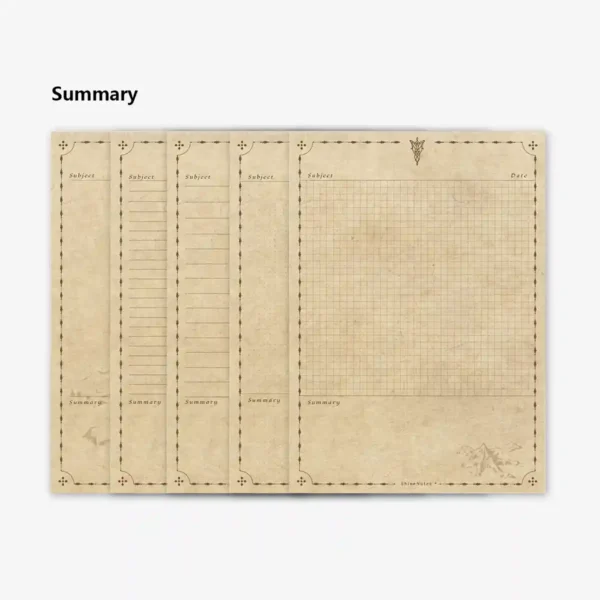
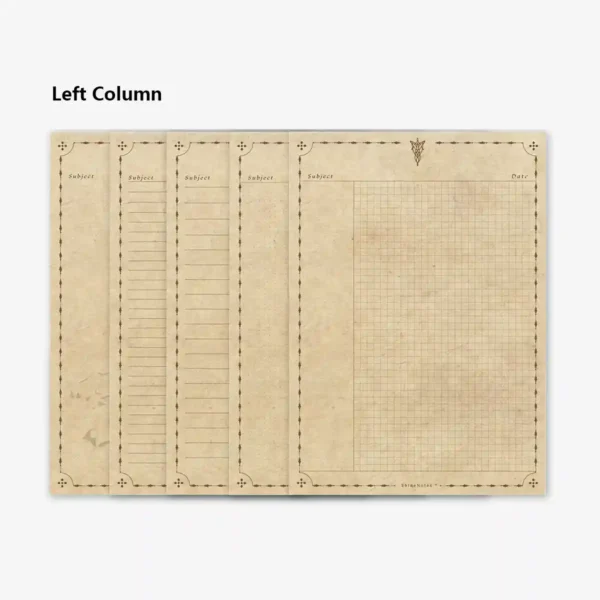
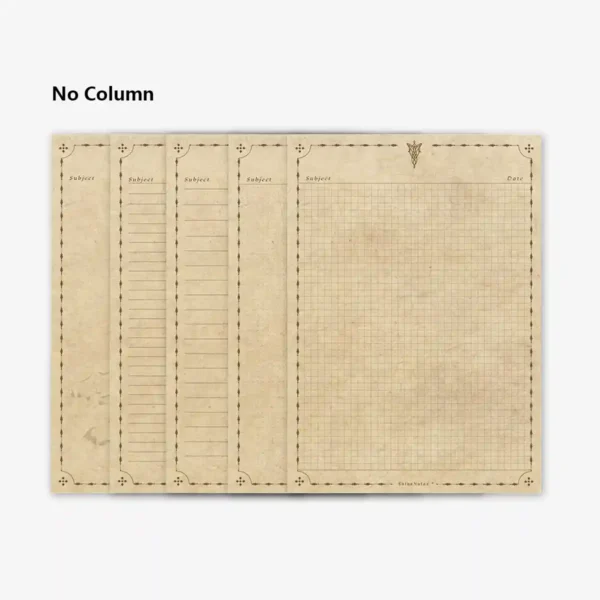
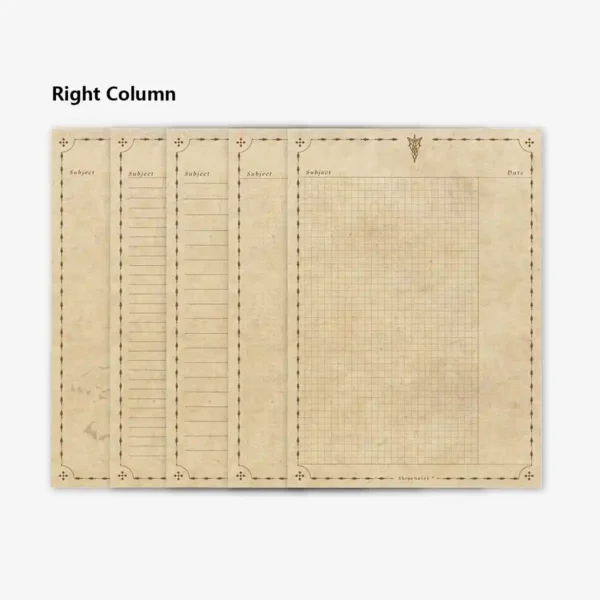
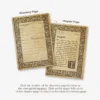
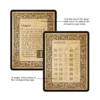
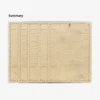
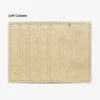
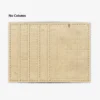
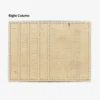
35 Master Cornell Layouts: Includes specific plan a notebook formats such as left/right columns, summary sections, and dual-column spreads.
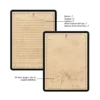
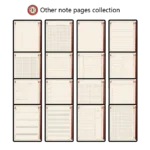
Versatile Paper Styles: Choose from narrow/wide ruled, dotted, grid, and blank templates, each meticulously crafted for the daily notepad experience.
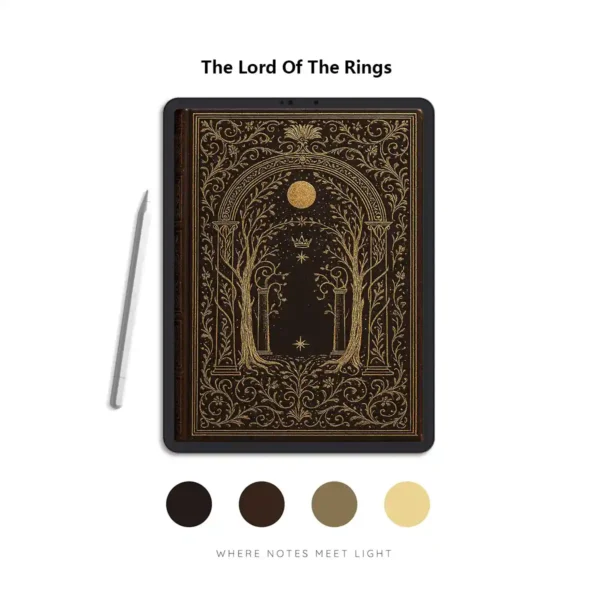
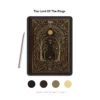
Expertly Tuned Color Palette: A sophisticated vintage theme (Hex: 381F13, 90754D, CEAC80, F4D490) designed to reduce eye strain during long study sessions.
Infinite Page Scalability: Never run out of space—simply duplicate any of the 35 template pages within your preferred notability planner or Goodnotes app.
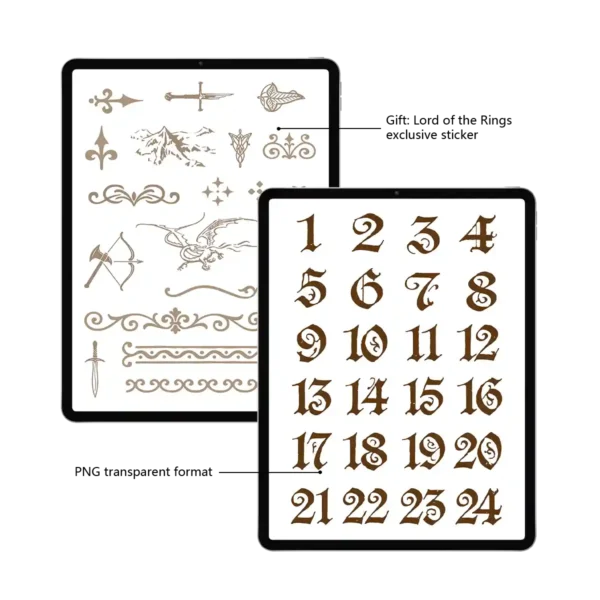
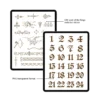
High-Resolution Digital Stickers: Includes a matching sticker set to help you categorize tasks and highlight key deadlines on your college planner.
Transform Your Academic Journey with a Professional College Planner
In the high-pressure world of higher education, how you plan a notebook can be the difference between feeling overwhelmed and staying in control. Our Vintage Cornell college planner isn’t just a digital file; it’s a scientifically-backed system. By integrating the Cornell note-taking method—which emphasizes active recall and synthesis—this notebook helps you turn raw lectures into actionable knowledge.
Seamless Integration with Your Digital Ecosystem
When searching for the best digital planners for sale, compatibility is key. We’ve engineered this college planner to thrive within the modern Software Ecosystem. Whether you are a dedicated notability planner user or a Goodnotes 6 enthusiast, our interactive PDF responds with lightning speed. The Apple Pencil experience is fluid and natural, making your daily notepad entries feel as satisfying as pen and paper, but with the power of digital search and cloud backup. It’s also fully optimized for Samsung Notes and Noteshelf, ensuring Android users have a premium experience.
The Architecture of an Easeup Digital Planner
We call this an easeup digital planner because it removes the friction from organization. The notebook is structured with a 3-tier navigation system:
The Master Index: Your central hub to access all 24 chapters.
Chapter Dividers: Beautifully designed portals that separate your subjects (Math, History, Science, etc.).
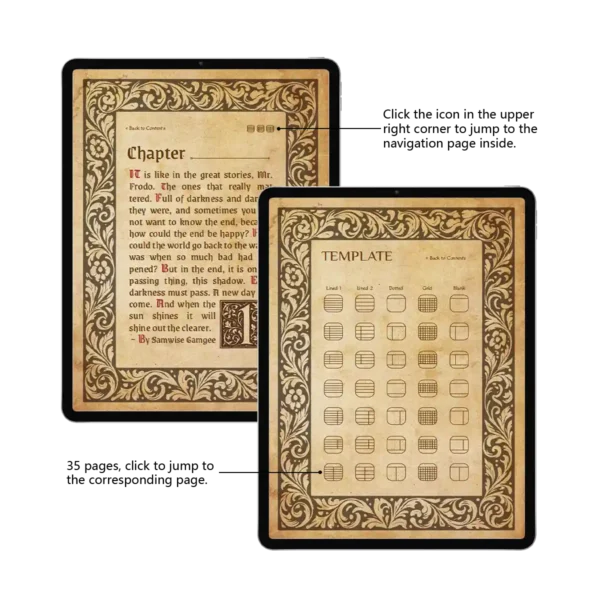
The Template Gallery: A dedicated page where you can choose and jump to any of the 35 distinct page layouts.
35 Templates: Beyond the Standard Daily Notepad
Why settle for one layout? To truly plan a notebook effectively, you need variety.
The Scientist: Uses the grid Cornell layout for complex equations.
The Linguist: Prefers the narrow-ruled dual-column for vocabulary and translations.
The Creative: Utilizes the blank and dotted sections for mind-mapping and sketches. Each template comes in seven variations, including summary-focused zones and cue columns, making this the most comprehensive college planner for diverse academic disciplines.
User Experience Expert Tips: Mastering Your Hyperlinks
To get the most out of your college planner, mastering the navigation is essential.
One-Tap Return: Tap the chapter number on the Index page to jump to that section. To return, simply tap the icon in the top-left corner of any chapter divider.
Template Deployment: Need a new page? Tap the icon in the top-right of your divider to access the Template Gallery. Once you find the page you like, use the “Duplicate Page” function in Goodnotes. This keeps your hyperlinks intact while giving you a fresh sheet.
Sticker Organization: Use the included digital stickers to “color-code” your chapters. This visual cue makes flipping through your notability planner much faster during exam week.
4. Product Specs Table
| Feature | Specification |
| File Format | High-Resolution Hyperlinked PDF |
| Templates | 35 Unique Layouts (Cornell, Grid, Lined, etc.) |
| Organization | 24 Hyperlinked Subject Chapters |
| App Compatibility | Goodnotes, Notability, Samsung Notes, Noteshelf |
| Device Compatibility | iPad Pro/Air, Android Tablets, Surface Pro |
| Zero-Lag Promise | Optimized File Size for Instant Response |
| Included Bonus | Matching Digital Sticker Set |
FAQ
Q: How do I receive my college planner after purchasing? A: This is an instant download product. As soon as your payment is confirmed, you will receive a link to download the college planner PDF and your digital stickers directly to your device.
Q: Can I use this as a Notability planner on my iPad? A: Yes, this notebook is fully compatible with Notability. Simply import the PDF, and all hyperlinked tabs will function perfectly, allowing for an easeup digital planner experience.
Q: How do I add more pages to a specific chapter? A: You can add infinite pages! In Goodnotes or Notability, navigate to the template you want to use, select “Copy Page,” then go to your desired chapter and select “Paste Page” or “Add Page with Current Template.”
Q: Is this college planner compatible with Android tablets? A: Absolutely. While optimized for iPad, it works beautifully on Android apps like Samsung Notes and Noteshelf, ensuring your plan a notebook strategy works on any hardware.
Included Files:
After checkout, you will be redirected to a page where you can download your files. You will also be emailed with your purchased file
Upon purchase, you will be given access to (1) download dashboard PDF file.
You can download all planner options, stickers, and covers by opening this file in your web browser (Safari is recommended)
The download contains the following:
1 x Notes Template
1 x Digital stickers
To Use:
iPad & Mac
This planner is designed to work best on the iPad and can be used on all versions and sizes. To use the planner on an iPad, you will also need an accompanying note app such as GoodNotes , Noteshelf, Notability, and Xodo.
The planner can also be used on an iMac or MacBook with the GoodNotes and Noteshelf apps’ desktop version.
Android/PC
This planner can be used with most Android tablets. However, since there is such a large variety of tablets, we cannot guarantee that the planner will work on all Android devices. If your device supports the Noteshelf or Xodo app, you should be able to use the planner template as well.
Have a question about using the planner? Check out our Answer Vault where we answer our most frequently asked questions.
Return Policy:
Please note that this is a digital product and no physical product will be shipped. Also, due to the irretrievable nature of digital files, all sales are final. Please review the listing thoroughly before purchase. Not sure if the product will work for you? Feel free to send any questions to hello@harrypotterplanner.com



Reviews
There are no reviews yet.