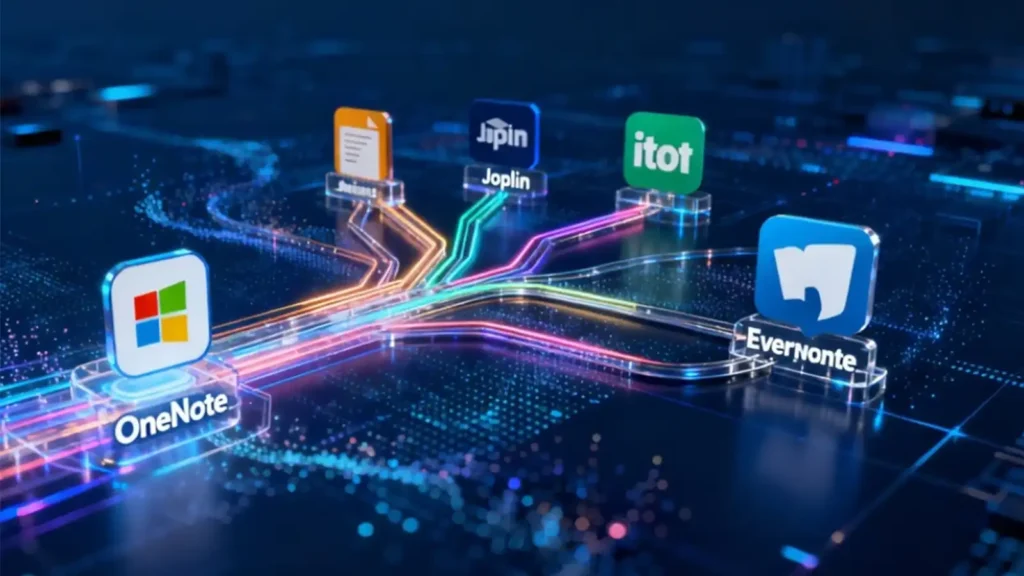
There was a time when we all got lost and captivated by OneNote’s infinite canvas, until one day we discovered the need for a more professional, free, or concise note-taking experience.
Microsoft OneNote is undoubtedly a powerful digital notebook, but its free-form structure can lead to organizational chaos, proprietary format causes data lock-in, and cross-device synchronization instability is driving more and more users to seek alternatives.
Whether you’re constrained by platform limitations (especially Mac and Linux users), budget considerations, or need features that better fit modern workflows, choosing the right alternative can significantly enhance your productivity and note-taking experience.
Why Consider OneNote Alternatives? Identify Your Real Needs
Choosing a note-taking app is like selecting a thinking partner – the right fit directly impacts your work efficiency and knowledge management effectiveness. Based on extensive user feedback and research, seeking OneNote replacements typically stems from these core reasons:
Organizational Limitations
OneNote’s “click anywhere and type” free-form canvas feels liberating initially, but can gradually become an organizational nightmare. Notes buried in multi-level sections, search functionality failing to handle conceptual relationships – ultimately making information difficult to retrieve.
Platform and Compatibility Issues
For Mac and Linux users, the OneNote experience often feels less complete than on Windows. Many users seek Linux OneNote equivalent solutions or better OneNote alternative for Mac, hoping for native-level experience.
Synchronization and Data Control
OneNote’s synchronization mechanism can sometimes be inconsistent, especially when used cross-platform. Additionally, notes being locked within the Microsoft ecosystem makes users who want control over their data feel uneasy.
Cost Considerations
While OneNote has a free version, advanced features require Microsoft 365 subscription. Many users look for free alternatives to OneNote, hoping to get same or better functionality without additional expenses.
Comprehensive Review of Top OneNote Alternatives
- Joplin: The Ultimate Choice for Open Source Freedom
If you want OneNote’s functionality without vendor lock-in, Joplin could be your ideal onenote replacement.
Core Advantages:
- Completely Open Source: Transparent code, privacy assurance, community-driven continuous development
- Data Freedom: Notes stored in Markdown format, syncable through multiple methods, avoiding single-vendor dependency
- Powerful Organization: Notebook and sub-notebook hierarchy structure, combined with reliable tagging system and powerful search
- End-to-End Encryption: All synced data encrypted, ensuring privacy security
Sync Options: Dropbox, OneDrive, Nextcloud, WebDAV or your own server
Platform Support: Windows, macOS, Linux, Android, iOS
Best For: Privacy-conscious users, Markdown enthusiasts, technically proficient users; perfect Linux OneNote equivalent.

- Notion: The All-in-One Workspace Driven by Databases
Notion redefines what’s possible with note-taking apps, combining **notes, databases, task management, and wikis in a unified platform.
Core Advantages:
- Structured Databases: Replace random notes with databases, information organized in consistent templates
- Multi-view Flexibility: Same data switchable between table, kanban, calendar, or gallery views
- Powerful Collaboration: Real-time editing, comments, permission controls, ideal for team use
- Template Ecosystem: From simple notes to complex project management systems, quick-start your work
Cross-Platform Experience: Fast and reliable synchronization, full-featured mobile apps unlike some simplified mobile versions
Best For: Students, project managers, content creators and teams; users needing to integrate notes with tasks and databases in complex workflows.

- Evernote: The Classic Structured Notes Expert
As a pioneer in the note-taking app space, Evernote provides highly structured, refined note-taking experience, serving as a time-tested reliable OneNote alternative.
Core Advantages:
- Excellent Organization System: Notebooks, tags, and powerful search make information retrieval effortless
- Web Clipping Capability: Browser extensions save web content, excellent for research
- Template Library: From meeting notes to travel plans, multiple templates accelerate note creation
- OCR Functionality: Search text within images, even handwritten text recognition
Platform Support: Full platform support, including Mac
Unique Advantage: Evernote’s AI search functionality makes finding notes exceptionally easy, even with vague memory of content
Best For: Users valuing note structure, needing powerful search, collecting extensive research materials.

- Additional Recommendations: Solutions for Specific Needs
Security-Focused Team Collaboration: Obsidian
If you need powerful knowledge management with local storage, Obsidian offers robust linking and graph views for connecting ideas.
Key Features:
- Local Markdown file storage
- Bi-directional linking between notes
- Extensive plugin ecosystem
- Graph view to visualize connections
Student Specialized: Notion (Education Plan)
Notion’s education plan provides free premium features for students, making it an ideal OneNote substitute for academic use.
Key Features:
- Free upgraded plan for students
- Database functionality for research organization
- Collaboration tools for group projects
- Template gallery for academic workflows
Visual Thinkers: Miro
While primarily a visual collaboration platform, Miro’s infinite canvas and visual organization tools make it a powerful OneNote alternative for visual thinkers.
Key Features:
- Infinite canvas, mind maps, sticky notes
- AI-assisted content creation
- Rich template library
- Real-time collaboration
How to Choose Your Ideal OneNote Alternative: Decision Guide
Selection Based on Primary Needs
If you value data control and privacy most
→ Choose Joplin (open source, end-to-end encryption, self-hosted sync)
If you need an all-in-one workspace
→ Choose Notion (notes + databases + task management integrated)
If you want classic reliable note structure
→ Choose Evernote (powerful organization system, excellent search)
If you’re a student
→ Consider Notion Education Plan (free premium features, academic templates)
If you need local storage with powerful linking
→ Consider Obsidian (local files, graph view, extensive plugins)
Key Questions to Help You Decide
- Which platform do you primarily take notes on? If you need excellent Mac onenote replacement, prioritize platform experience consistency
- How do you process your notes? Simple text recording or complex knowledge management?
- Level of collaboration needs? Personal use or team sharing?
- Budget range? Need completely free alternatives to onenote or willing to pay for advanced features
- Technical comfort level? Prefer out-of-box solutions or willing to configure open-source tools
The best note-taking app isn’t the one you have, but the one you actually use. A truly effective onenote substitute integrates seamlessly into your thinking process rather than adding friction.
Regardless of which app you choose, the real value isn’t in how many notes you capture, but in how effectively you can retrieve, connect, and apply the ideas within those notes. An excellent note-taking app should be an extension of your thinking, not a constraint.
Try several options mentioned here and see which one truly liberates your thinking, allowing your ideas to flow freely.